TV
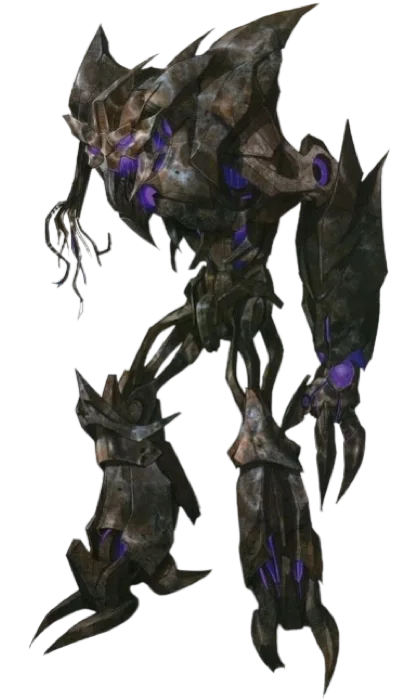
Terrorcon Coloring Page - Transformers: Prime
2010
Print Terrorcon from Transformers: Prime, or color it in the browser.
Terrorcon
Image style
Line art for printing and coloring.
Outline adjustments
Original colors as a painting guide.
A square pixel grid of the image.
Pixel source
Images in this collection
42 images Cover
Use image
Cover
Use image
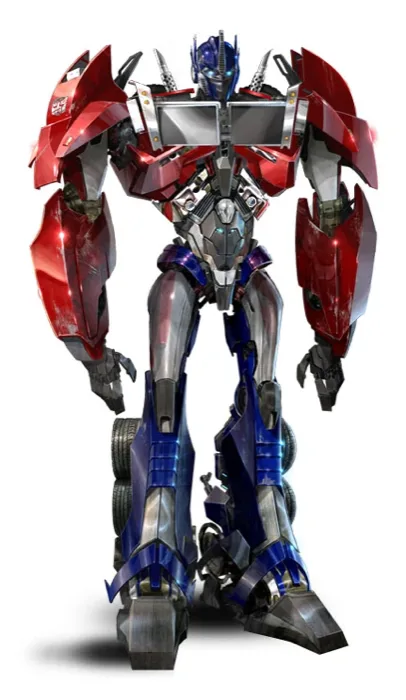 Optimus Prime
Use image
Optimus Prime
Use image
 Bumblebee
Use image
Bumblebee
Use image
 Ratchet
Use image
Ratchet
Use image
 Arcee
Use image
Arcee
Use image
 Bulkhead
Use image
Bulkhead
Use image
 Wheeljack
Use image
Wheeljack
Use image
 Smokescreen
Use image
Smokescreen
Use image
 Ultra Magnus
Use image
Ultra Magnus
Use image
 Alpha Trion
Use image
Alpha Trion
Use image
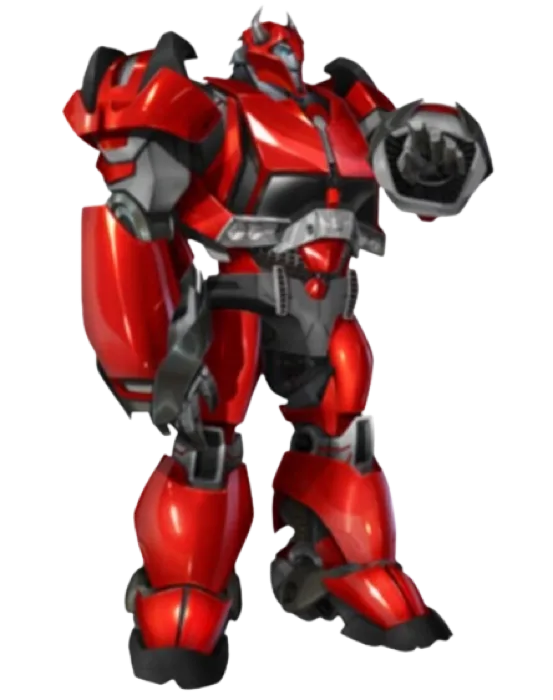 Cliffjumper
Use image
Cliffjumper
Use image
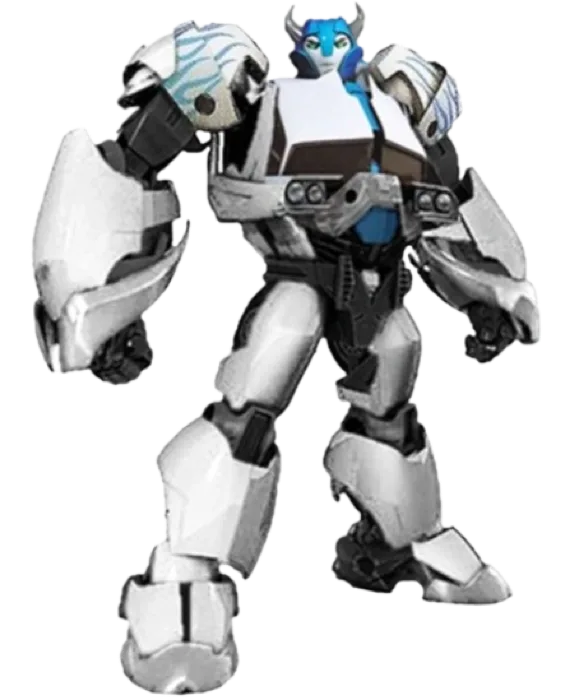 Tailgate
Use image
Tailgate
Use image
 Megatron
Use image
Megatron
Use image
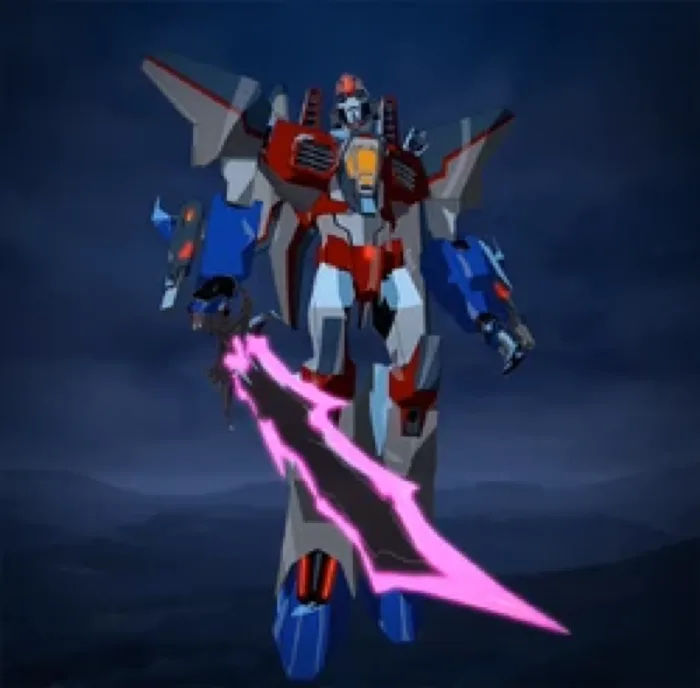 Starscream
Use image
Starscream
Use image
 Soundwave
Use image
Soundwave
Use image
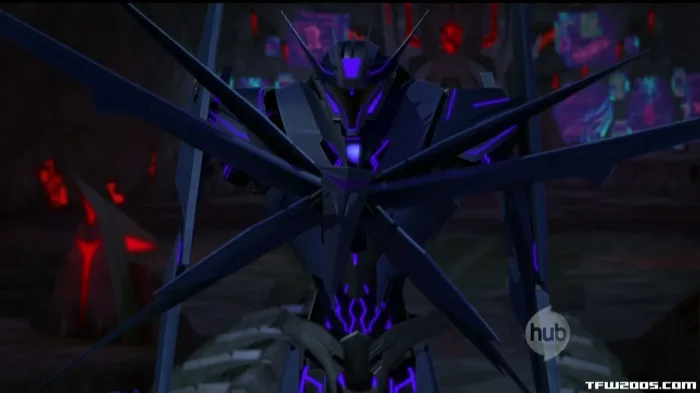 Laserbeak
Use image
Laserbeak
Use image
 Knock Out
Use image
Knock Out
Use image
 Shockwave
Use image
Shockwave
Use image
 Airachnid
Use image
Airachnid
Use image
 Breakdown
Use image
Breakdown
Use image
 Dreadwing
Use image
Dreadwing
Use image
 Skyquake
Use image
Skyquake
Use image
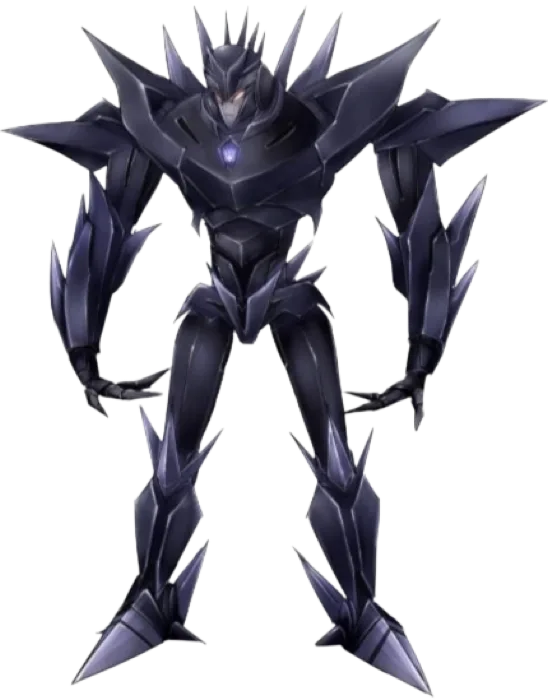 Makeshift
Use image
Makeshift
Use image
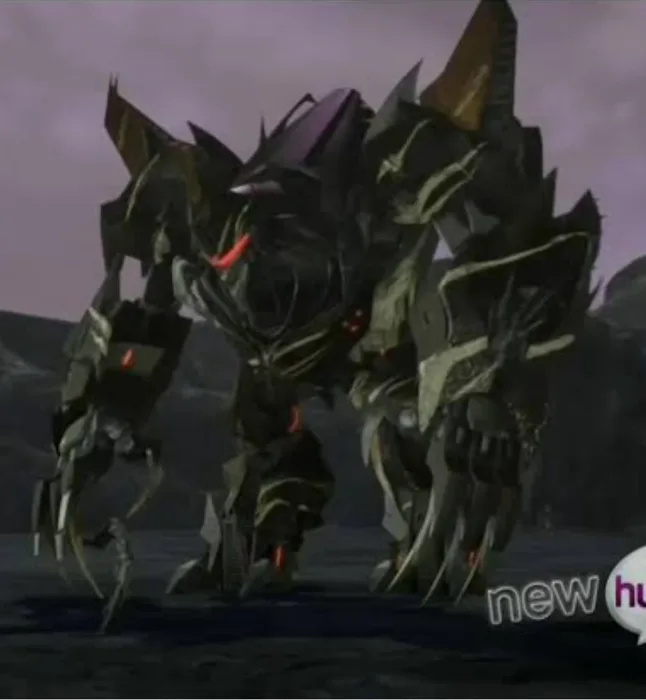 Hardshell
Use image
Hardshell
Use image
 Jack Darby
Use image
Jack Darby
Use image
 Miko Nakadai
Use image
Miko Nakadai
Use image
 Rafael Esquivel
Use image
Rafael Esquivel
Use image
 William Fowler
Use image
William Fowler
Use image
 Silas
Use image
Silas
Use image
 June Darby
Use image
June Darby
Use image
 Sierra
Use image
Sierra
Use image
 Vince
Use image
Vince
Use image
 General Bryce
Use image
General Bryce
Use image
 Vogel
Use image
Vogel
Use image
 Nemesis Prime
Use image
Nemesis Prime
Use image
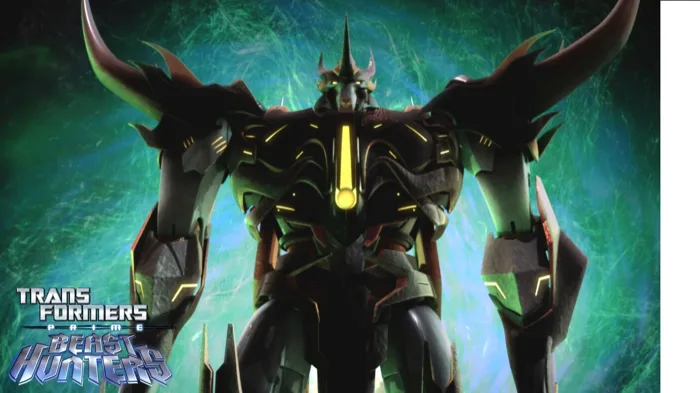 Predaking
Use image
Predaking
Use image
 Darksteel
Use image
Darksteel
Use image
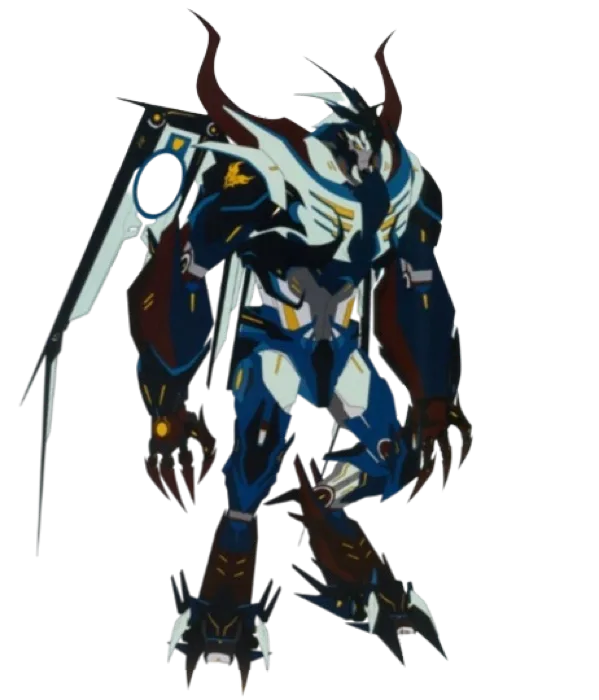 Skylynx
Use image
Skylynx
Use image
 Vehicon
Use image
Vehicon
Use image
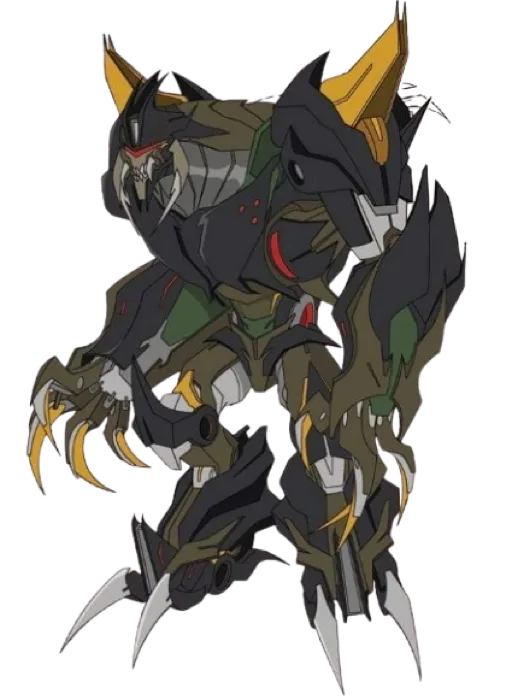 Insecticon
Use image
Insecticon
Use image
 Scraplet
Use image
Terrorcon
Use image
Scraplet
Use image
Terrorcon
Use image
KolorPage