Prepare a clear print
Use a stronger line for younger colorists or a lighter line when you want to preserve more details. Check the preview before printing.
Games
2009
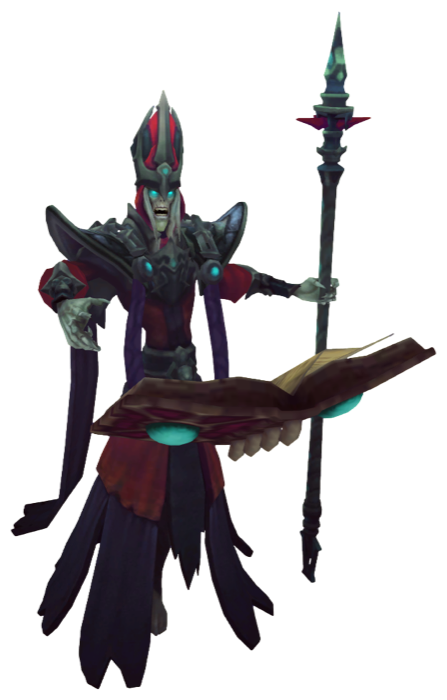
Print and color Karthus from Junglers de League of Legends with clean line art and online brushes.
Create clean lines for printing and coloring.
Keep the original colors as a soft guide for painting.
Turn the image into a precise grid of equal square pixels.
KolorPage
Start with the Karthus image from Junglers de League of Legends, adjust the outline for the amount of detail you want, then choose the result that fits your activity.
Use a stronger line for younger colorists or a lighter line when you want to preserve more details. Check the preview before printing.
Choose a brush size that matches the area, use fill for larger spaces and keep undo nearby for quick corrections.
Download the blank outline for another session and save the painted version separately when your coloring is complete.
 Cover
Use image
Cover
Use image
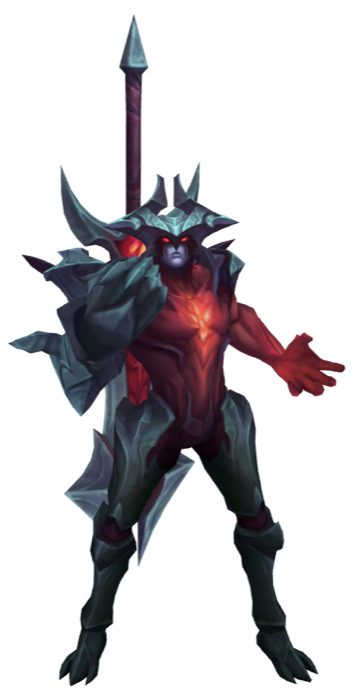 Aatrox
Use image
Aatrox
Use image
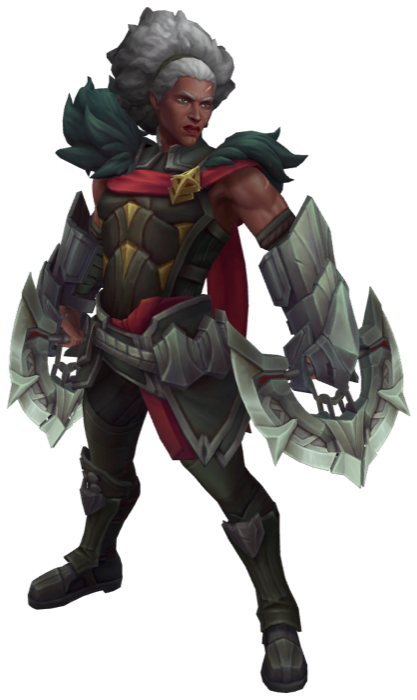 Ambessa
Use image
Ambessa
Use image
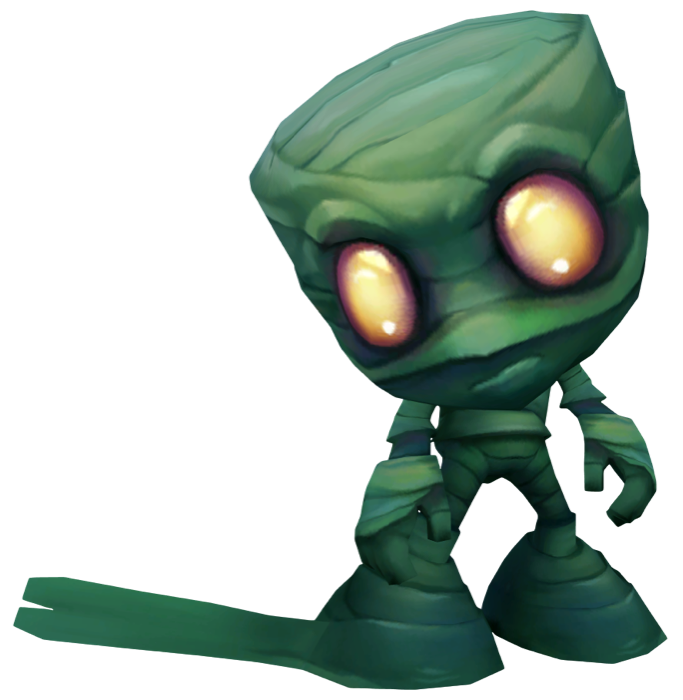 Amumu
Use image
Amumu
Use image
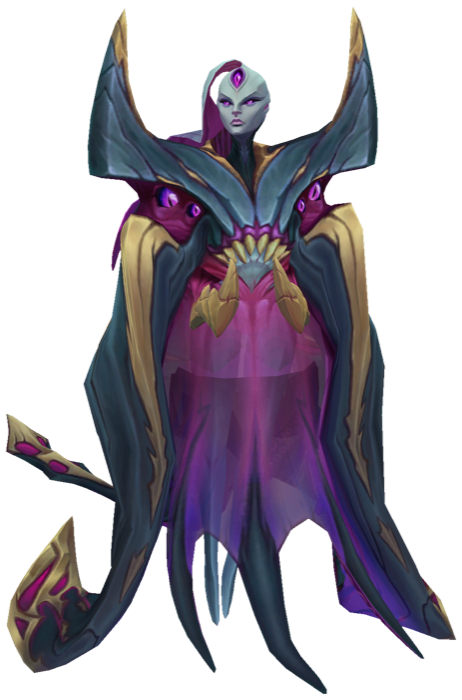 Bel Veth
Use image
Bel Veth
Use image
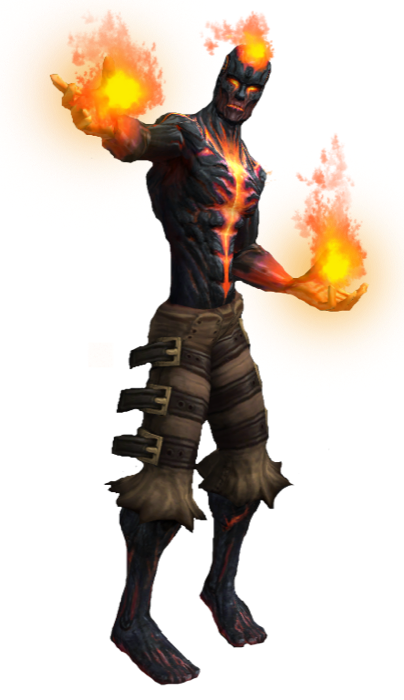 Brand
Use image
Brand
Use image
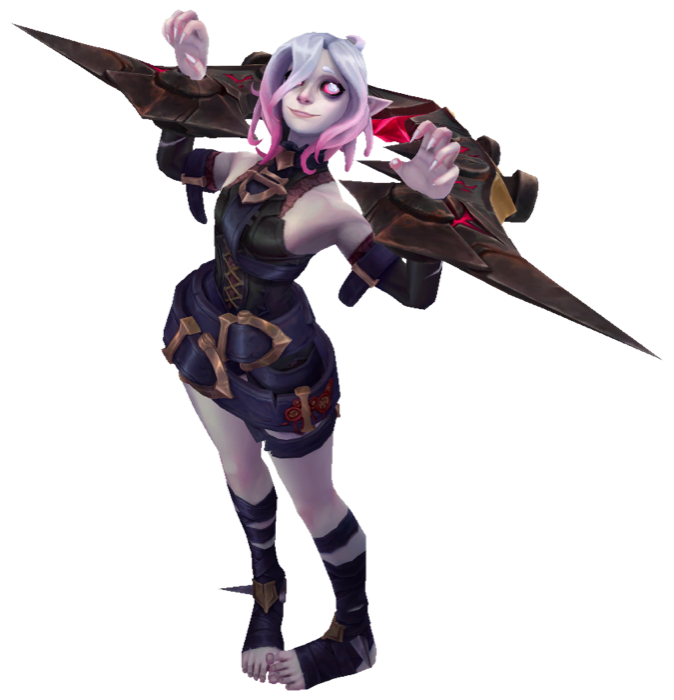 Briar
Use image
Briar
Use image
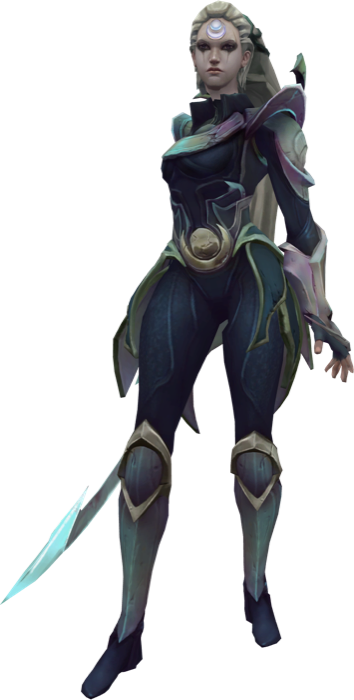 Diana
Use image
Diana
Use image
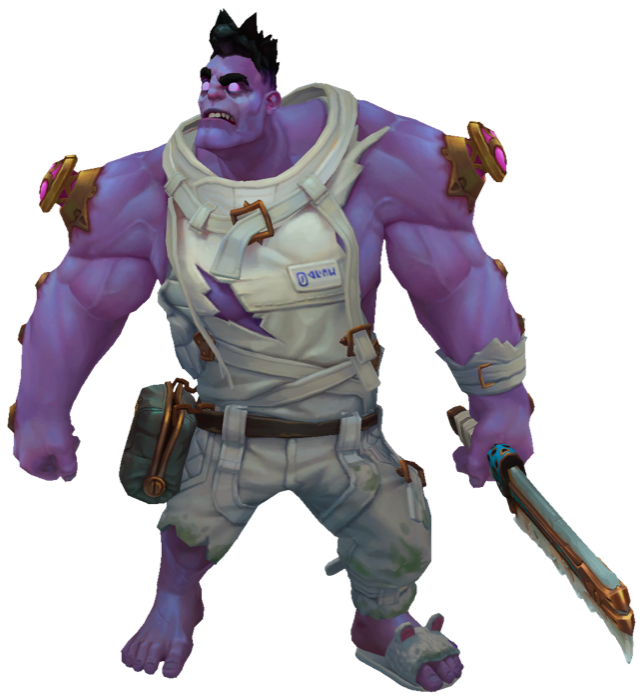 Dr Mundo
Use image
Dr Mundo
Use image
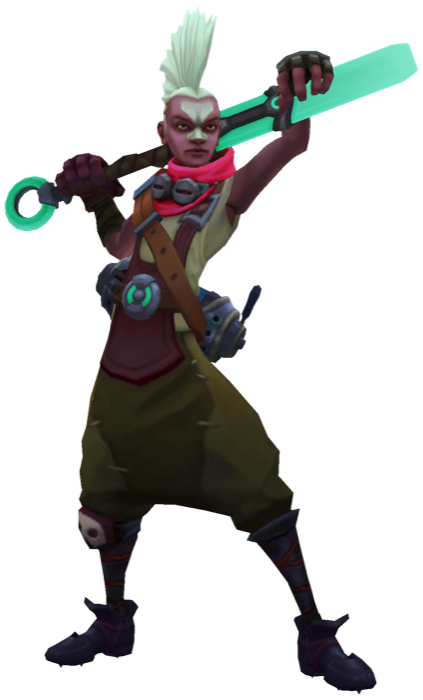 Ekko
Use image
Ekko
Use image
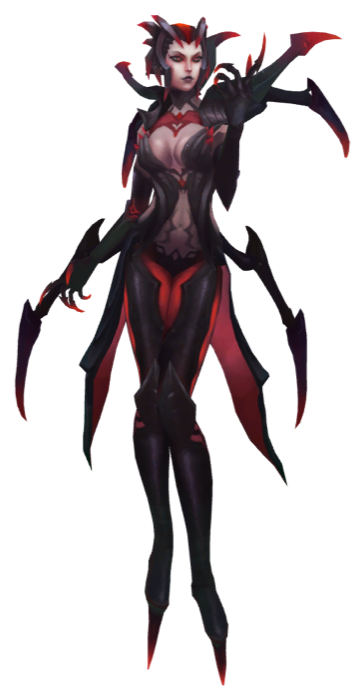 Elise
Use image
Elise
Use image
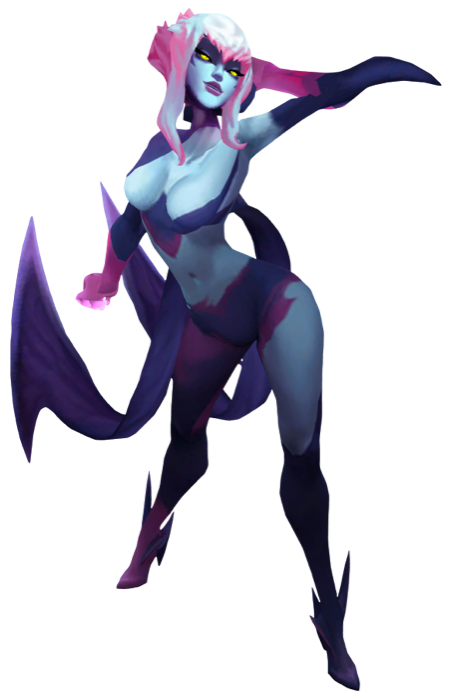 Evelynn
Use image
Evelynn
Use image
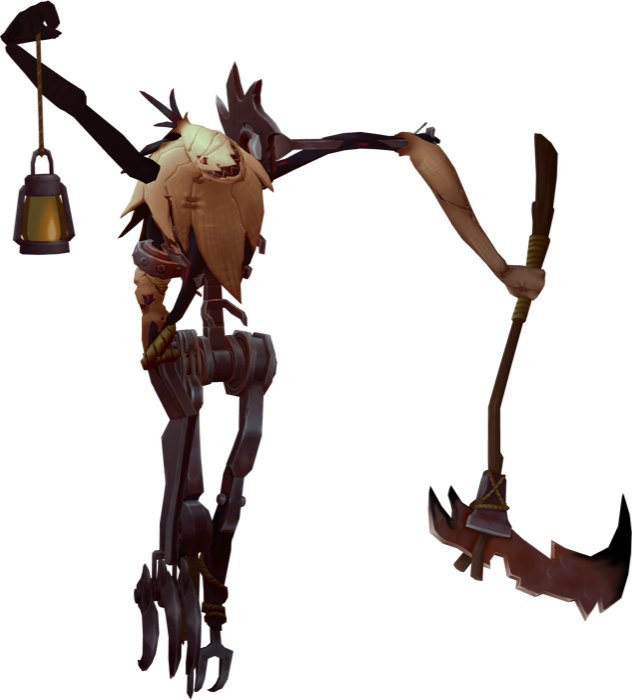 Fiddlesticks
Use image
Fiddlesticks
Use image
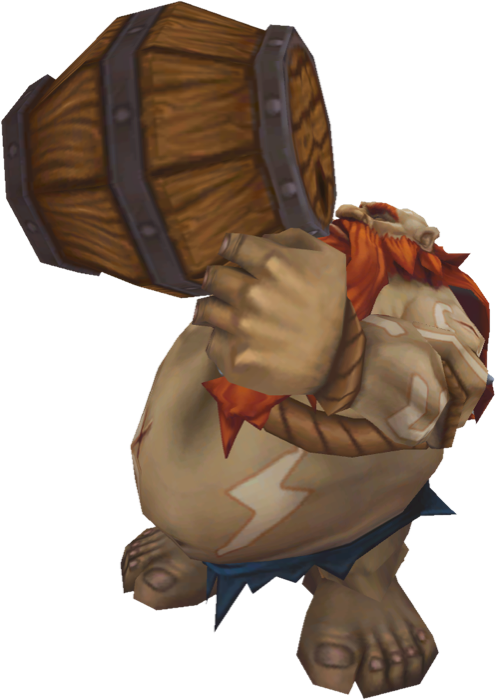 Gragas
Use image
Gragas
Use image
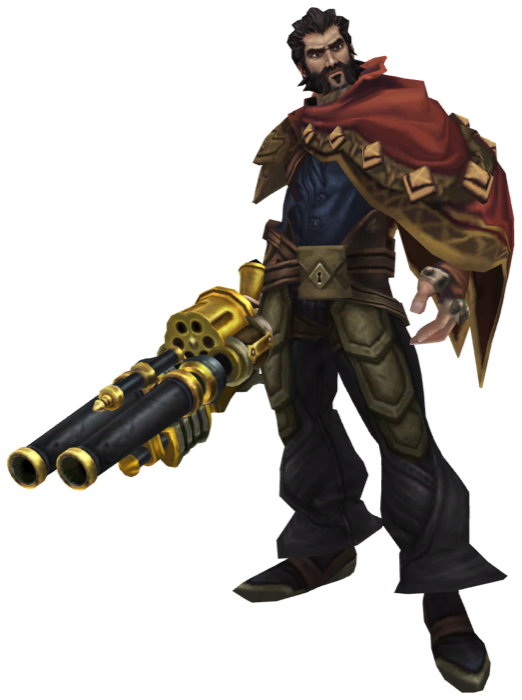 Graves
Use image
Graves
Use image
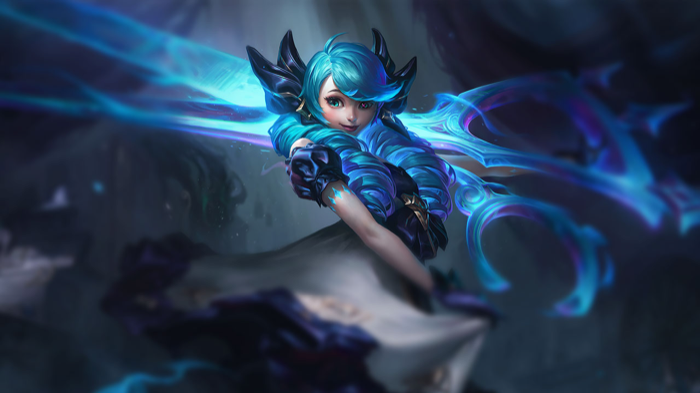 Gwen
Use image
Gwen
Use image
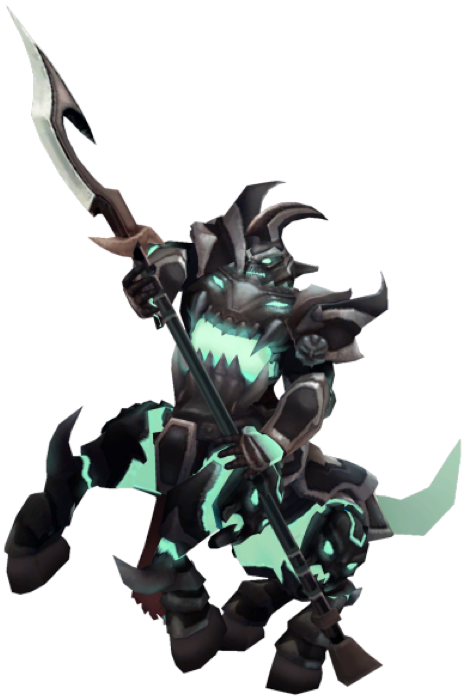 Hecarim
Use image
Hecarim
Use image
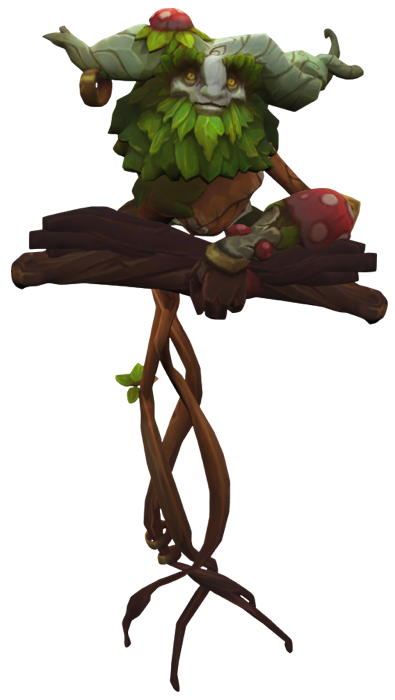 Ivern
Use image
Ivern
Use image
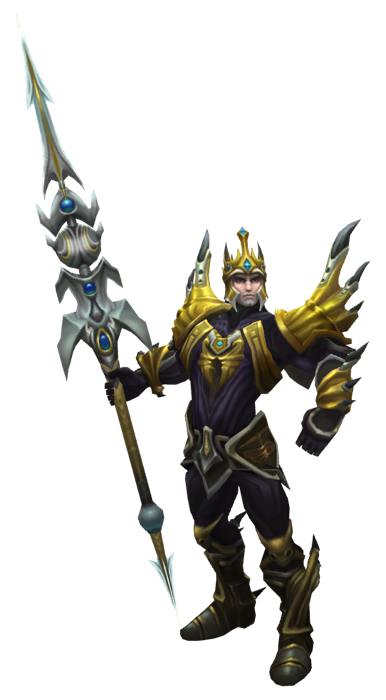 Jarvan Iv
Use image
Jarvan Iv
Use image
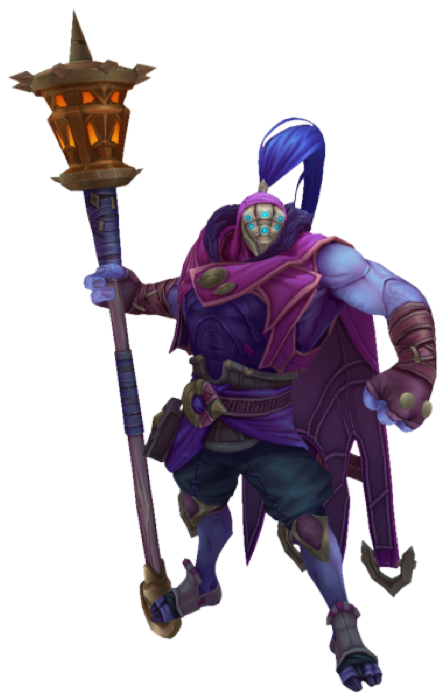 Jax
Use image
Karthus
Use image
Jax
Use image
Karthus
Use image
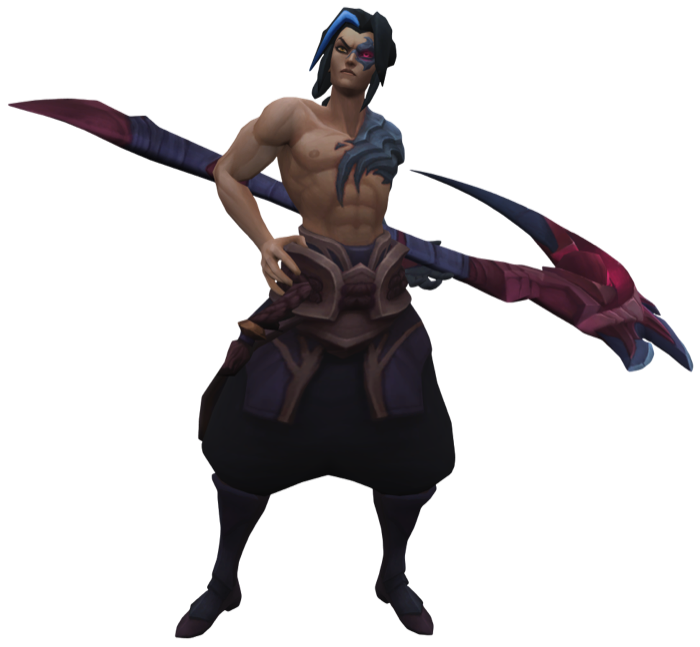 Kayn
Use image
Kayn
Use image
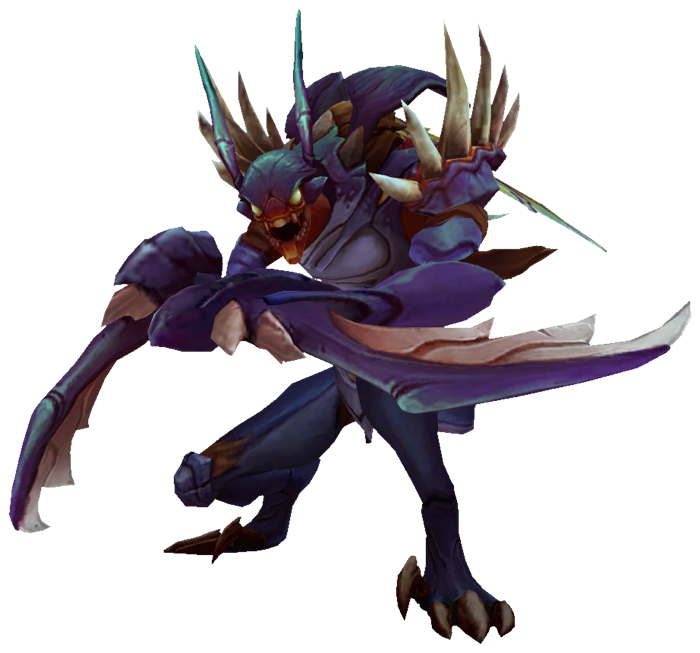 Kha Zix
Use image
Kha Zix
Use image
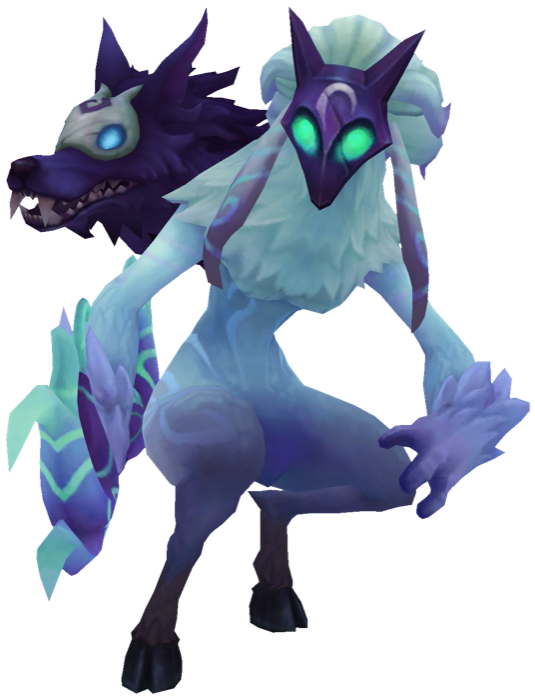 Kindred
Use image
Kindred
Use image
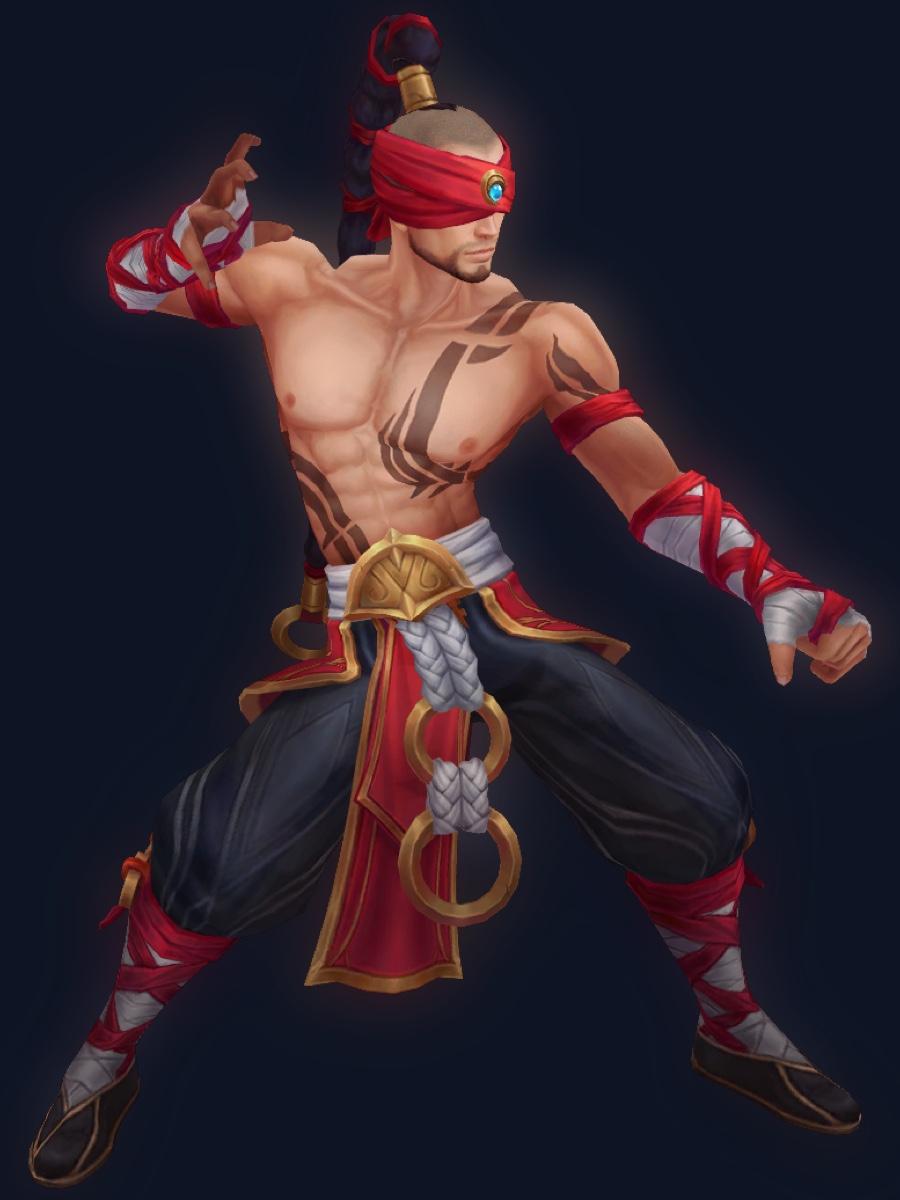
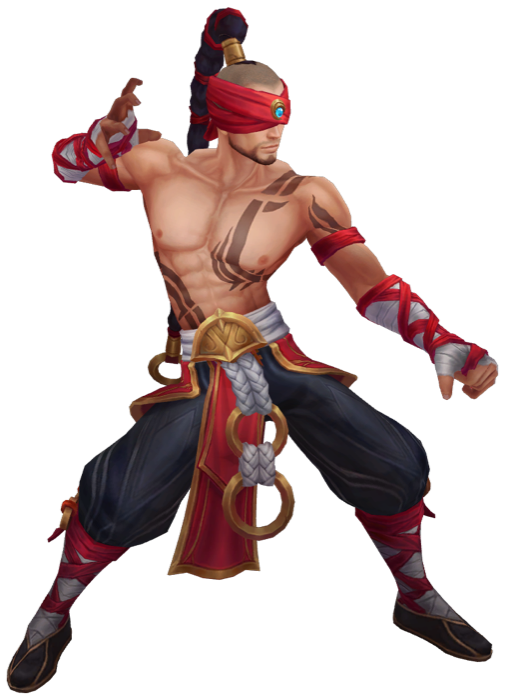 Lee Sin
Use image
Lee Sin
Use image
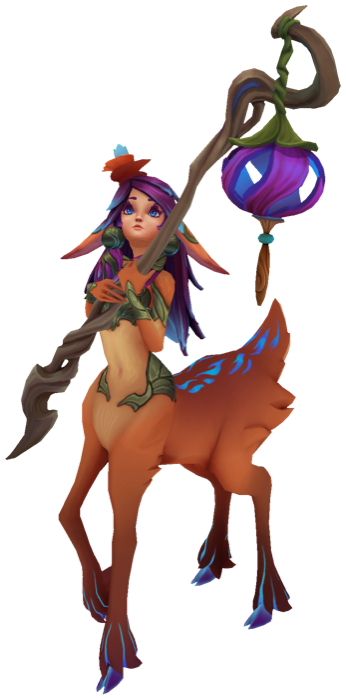 Lillia
Use image
Lillia
Use image
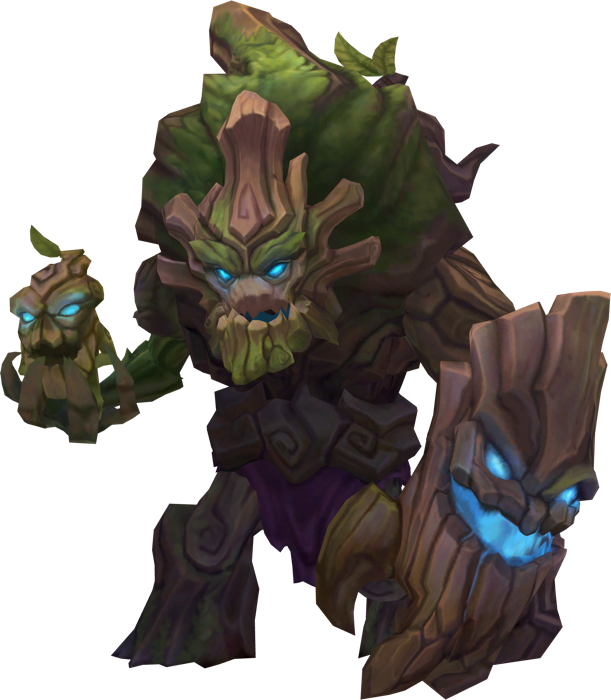 Maokai
Use image
Maokai
Use image
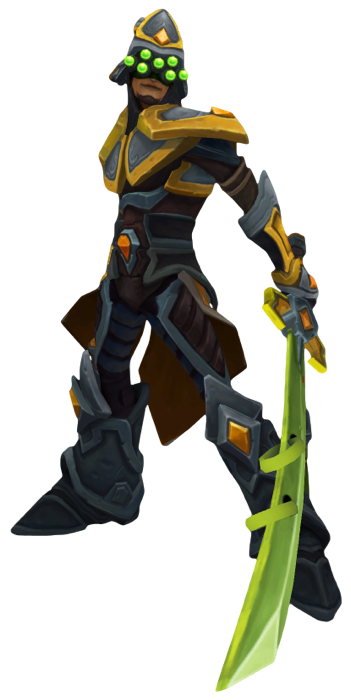 Master Yi
Use image
Master Yi
Use image
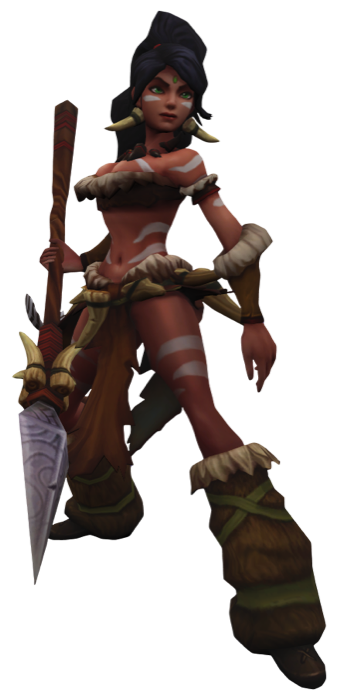 Nidalee
Use image
Nidalee
Use image
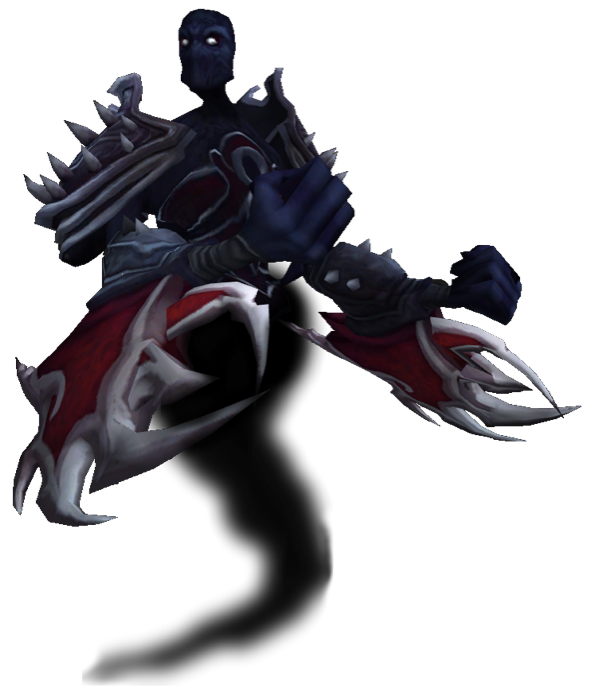 Nocturne
Use image
Nocturne
Use image
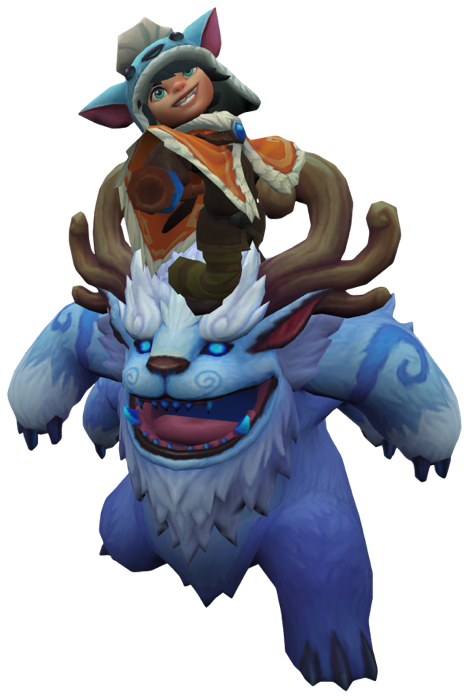 Nunu
Use image
Nunu
Use image
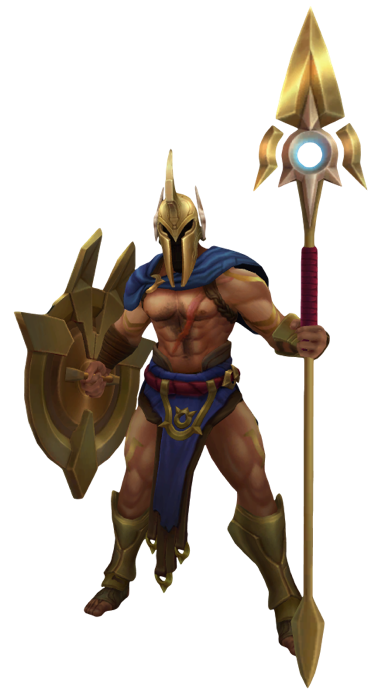 Pantheon
Use image
Pantheon
Use image
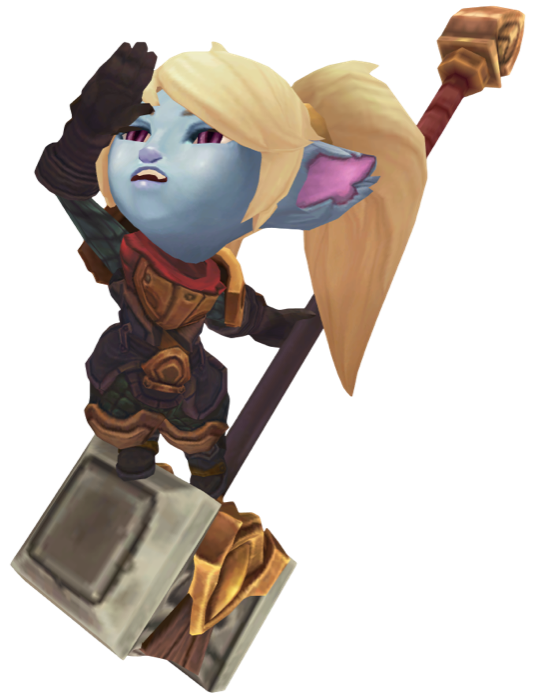 Poppy
Use image
Poppy
Use image
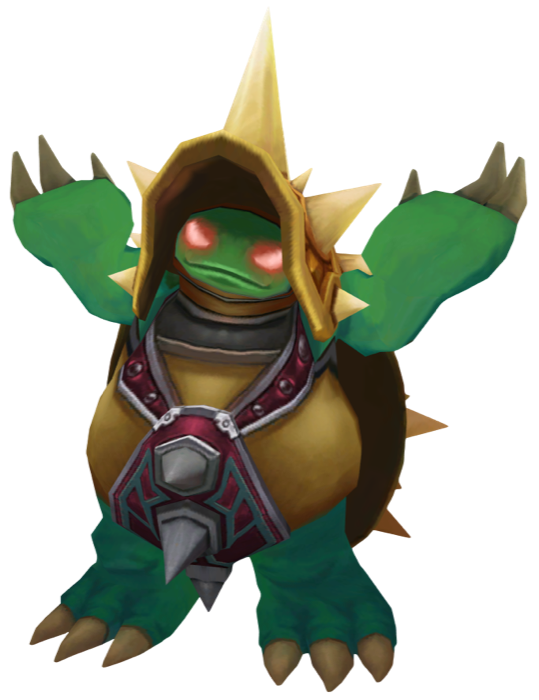 Rammus
Use image
Rammus
Use image
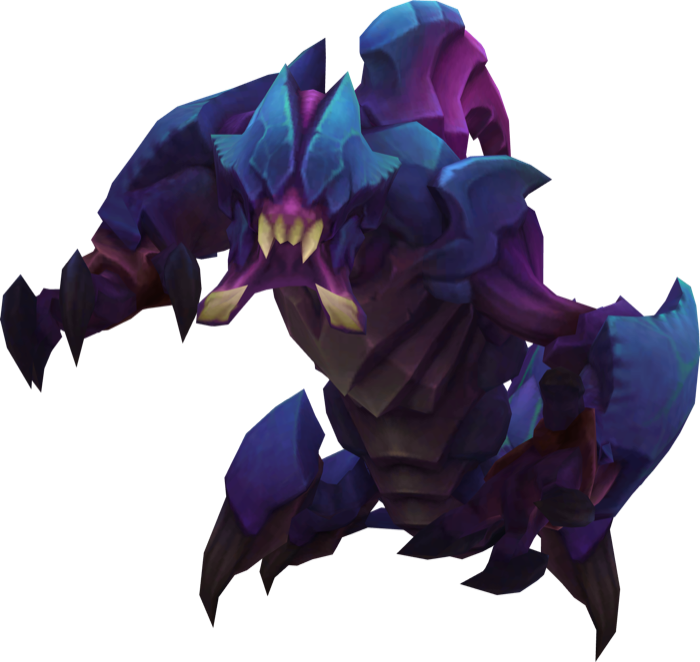 Rek Sai
Use image
Rek Sai
Use image
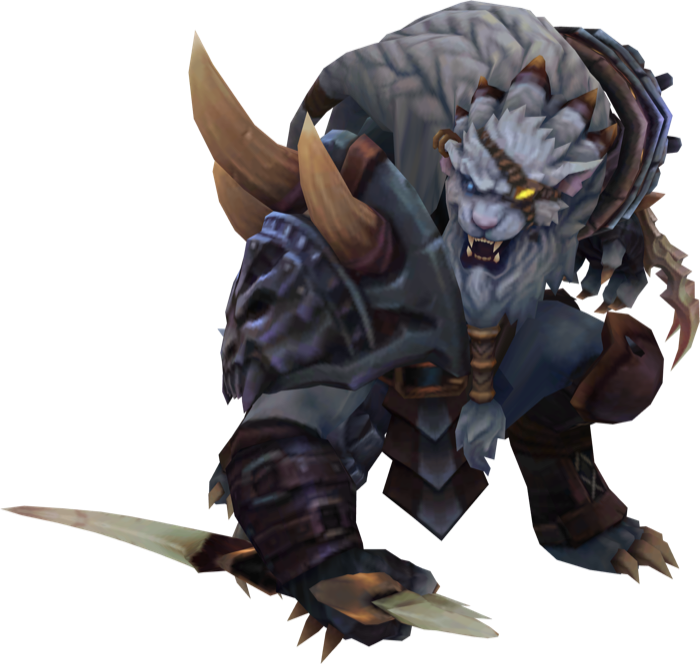 Rengar
Use image
Rengar
Use image
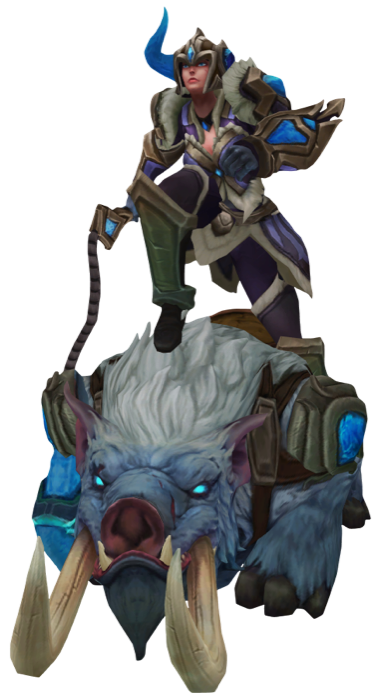 Sejuani
Use image
Sejuani
Use image
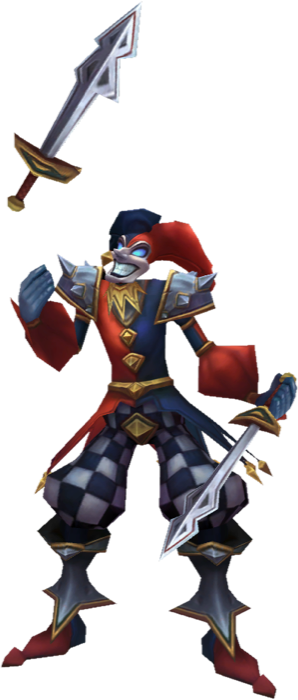 Shaco
Use image
Shaco
Use image
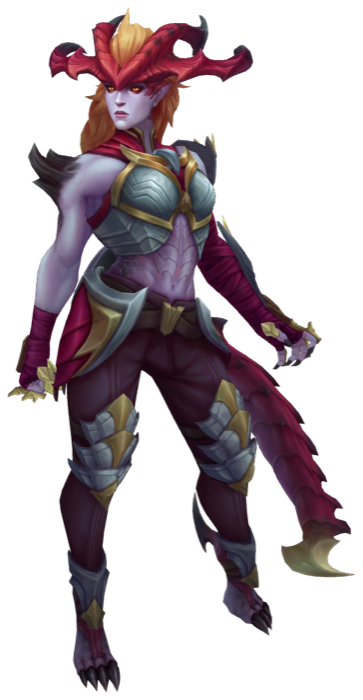 Shyvana
Use image
Shyvana
Use image
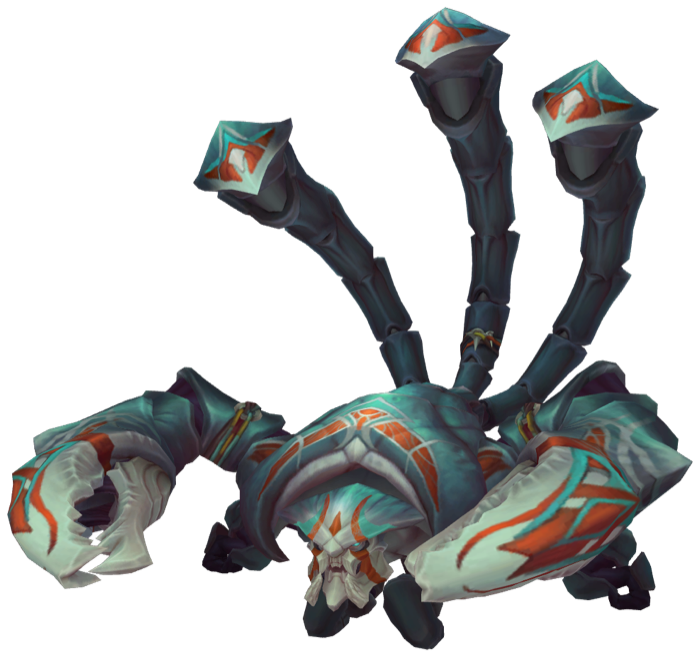 Skarner
Use image
Skarner
Use image
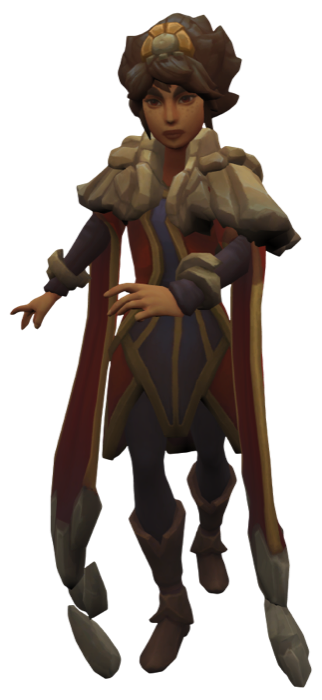 Taliyah
Use image
Taliyah
Use image
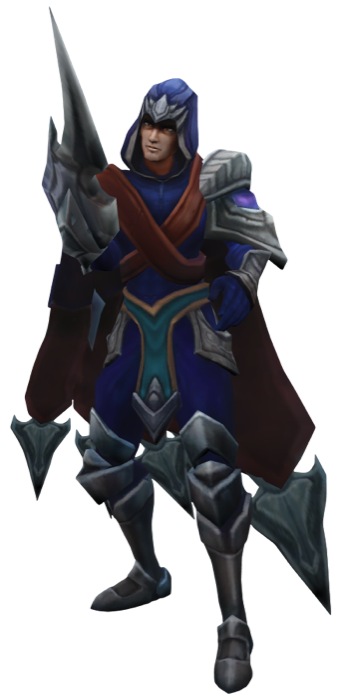 Talon
Use image
Talon
Use image
 Teemo
Use image
Teemo
Use image
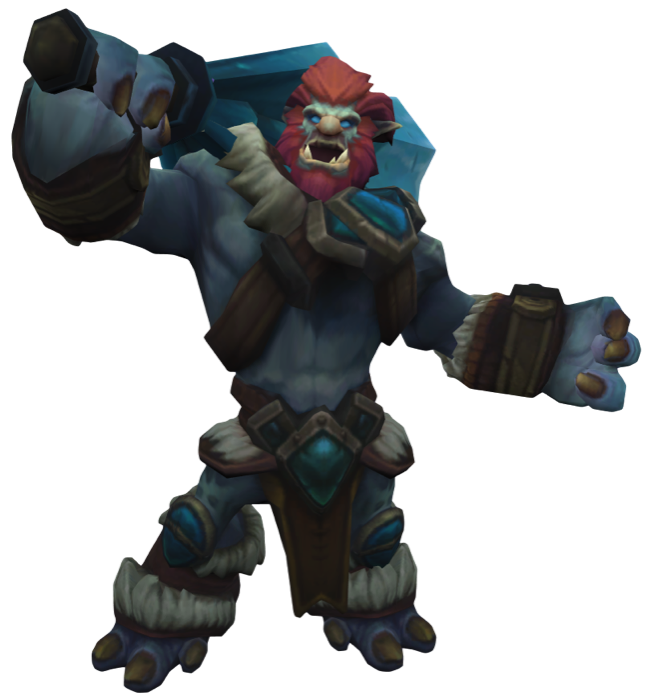 Trundle
Use image
Trundle
Use image
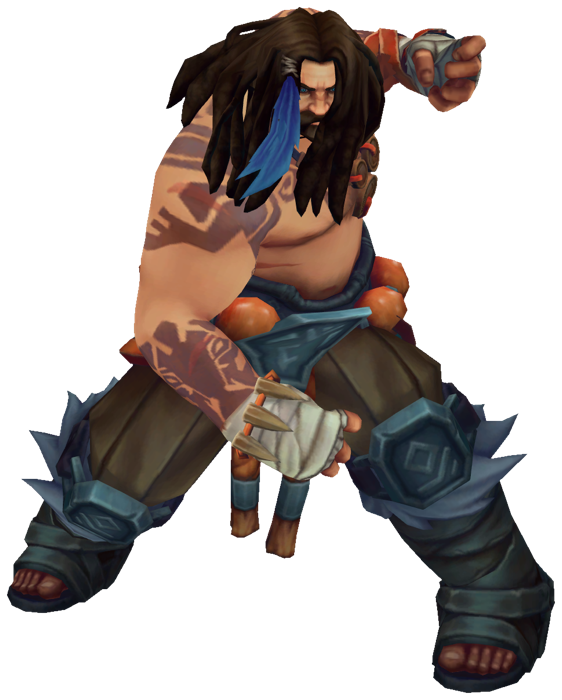 Udyr
Use image
Udyr
Use image
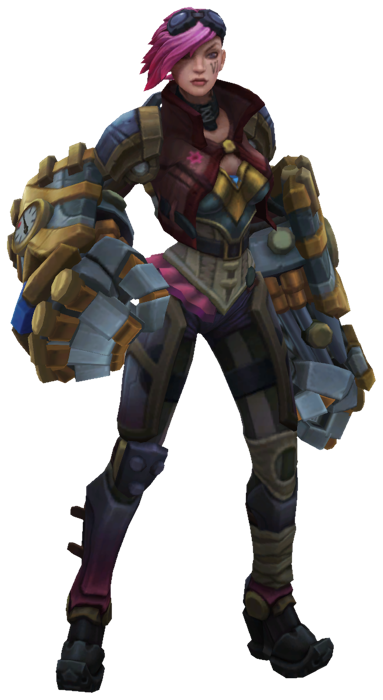 Vi
Use image
Vi
Use image
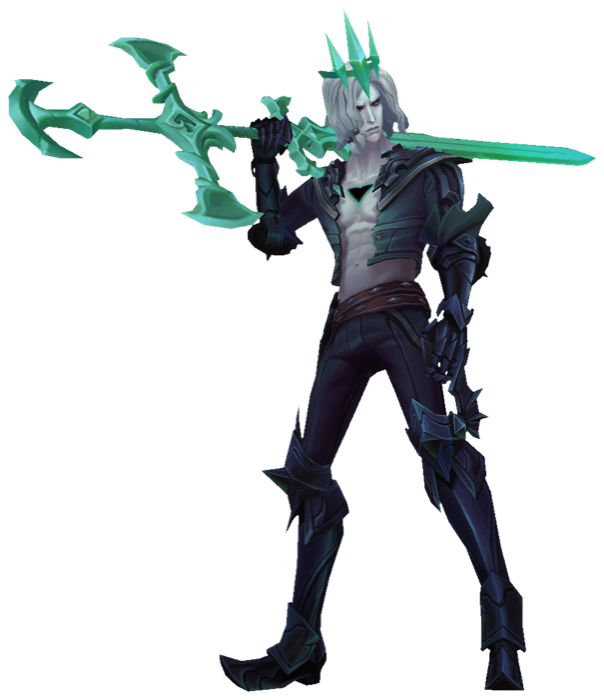 Viego
Use image
Viego
Use image
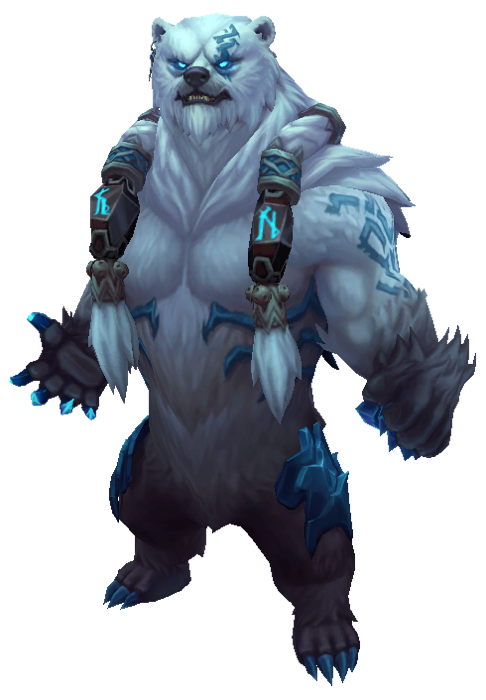 Volibear
Use image
Volibear
Use image
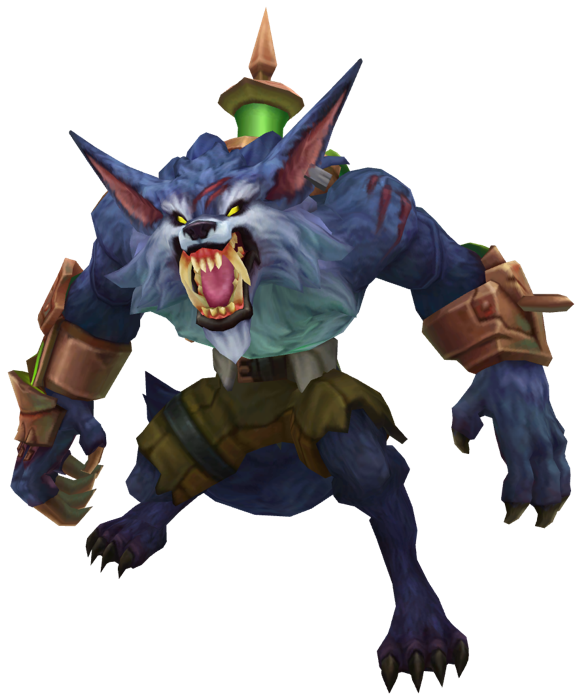 Warwick
Use image
Warwick
Use image
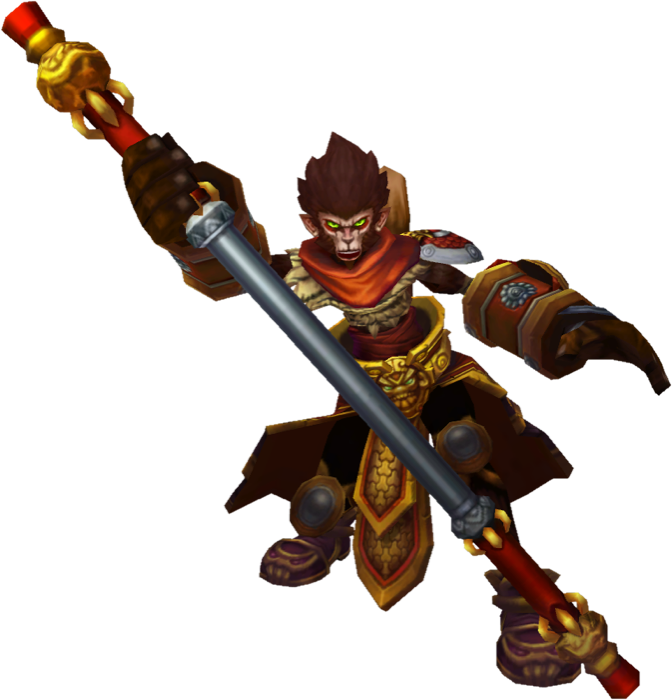 Wukong
Use image
Wukong
Use image
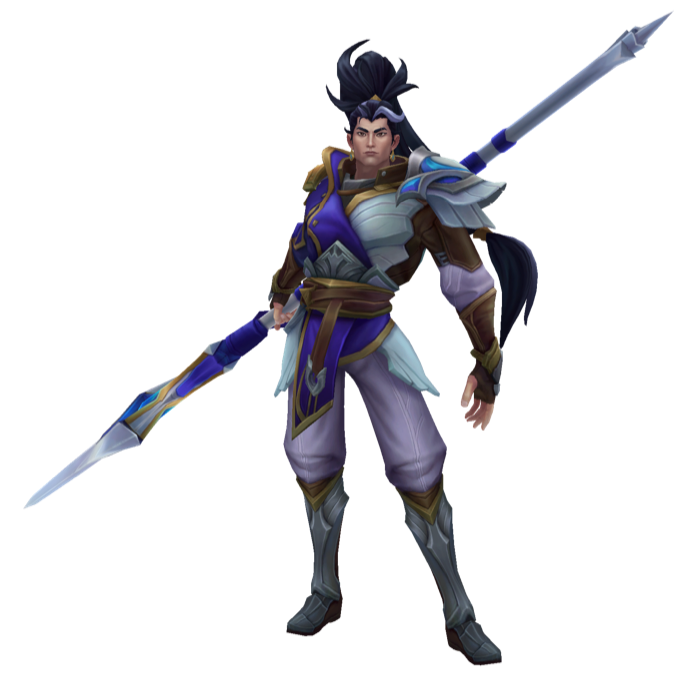 Xin Zhao
Use image
Xin Zhao
Use image
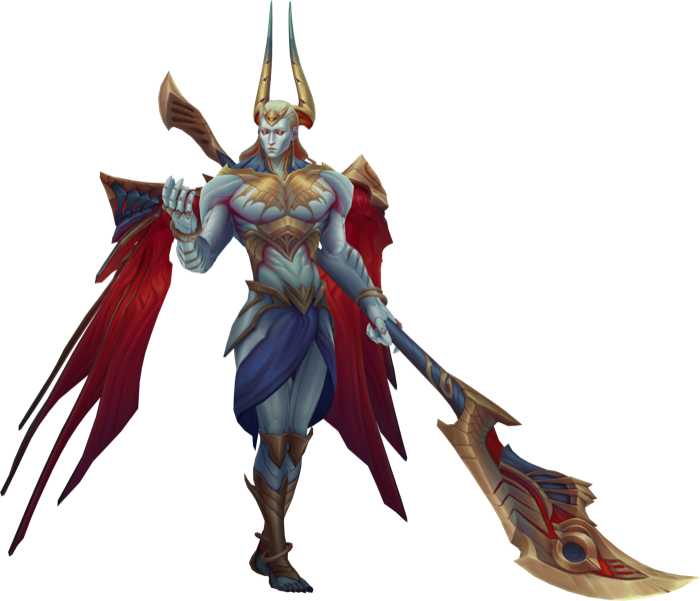 Zaahen
Use image
Zaahen
Use image
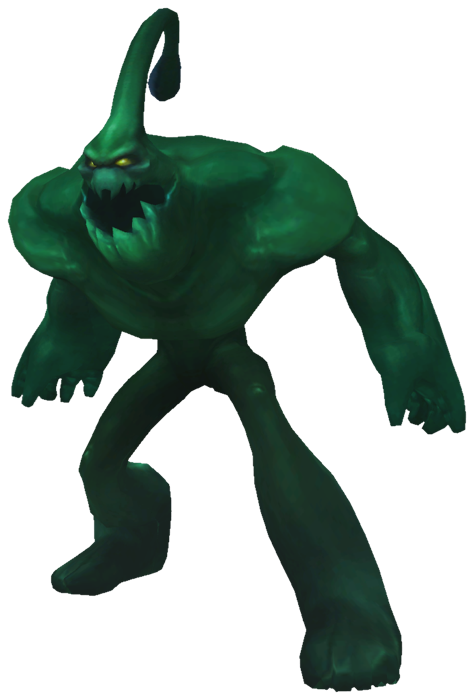 Zac
Use image
Zac
Use image
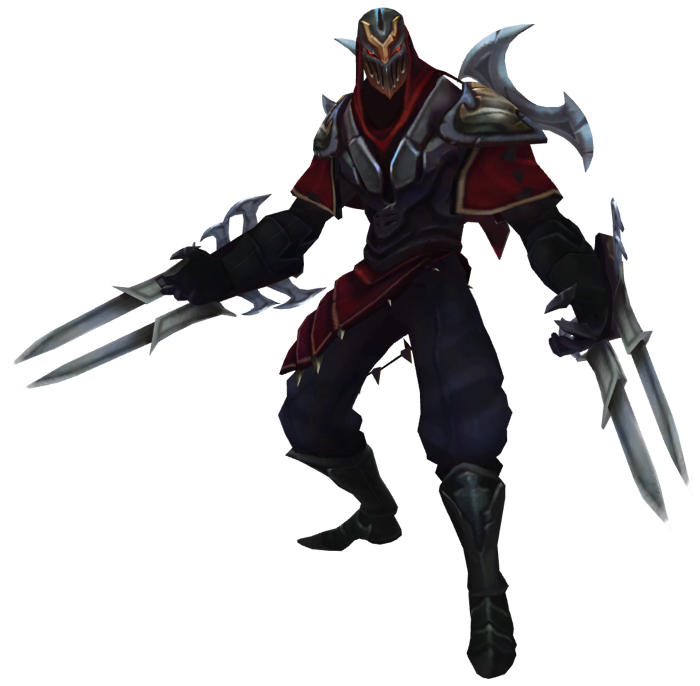 Zed
Use image
Zed
Use image
KolorPage
Finished coloring? Take the same universe into a character ranking or a memory challenge.