
Anime
Misaki Coloring Page - Yuusha Party ni Kawaii Ko ga Ita node, Kokuhaku shitemita.
勇者パーティーにかわいい子がいたので、告白してみた。 · 2026 · Gekkou
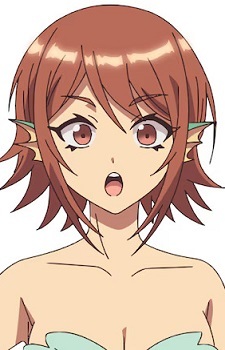
Print Misaki from Yuusha Party ni Kawaii Ko ga Ita node, Kokuhaku shitemita., or color it in the browser.
Misaki
Image style
Line art for printing and coloring.
Outline adjustments
Original colors as a painting guide.
A square pixel grid of the image.
Pixel source
Images in this collection
35 images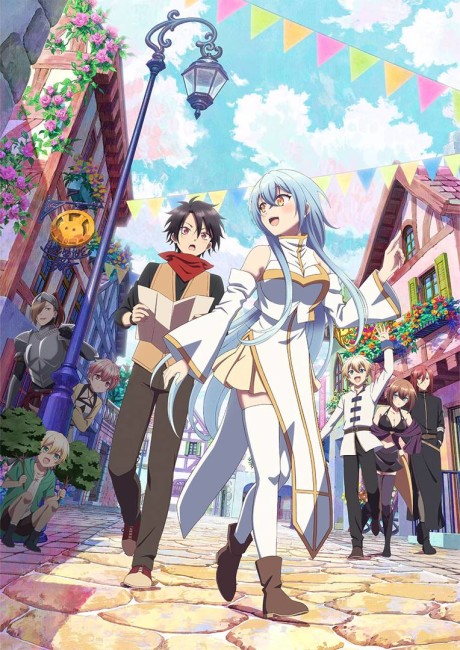 Cover
Use image
Cover
Use image
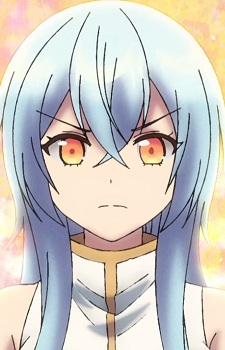 Cecilia Aquarain
Use image
Cecilia Aquarain
Use image
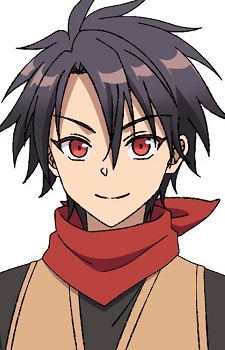 Youki
Use image
Youki
Use image
 Amy
Use image
Amy
Use image
 Andrei
Use image
Andrei
Use image
 Celia Aquarain
Use image
Celia Aquarain
Use image
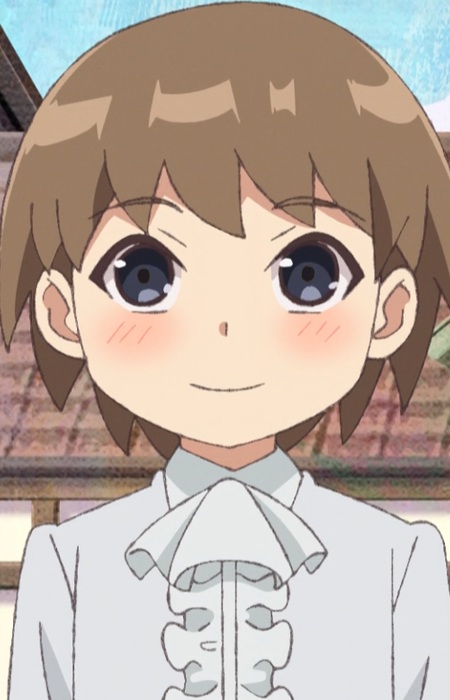 Boy
Use image
Boy
Use image
 Butler
Use image
Butler
Use image
 Clayman
Use image
Clayman
Use image
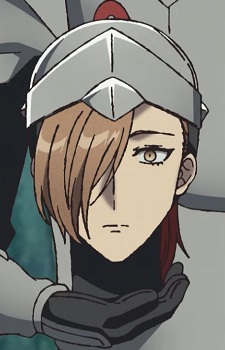 Duke
Use image
Duke
Use image
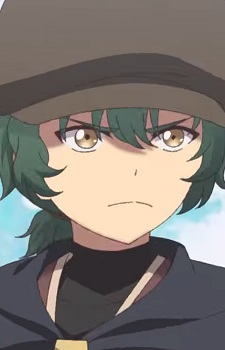 Envy
Use image
Envy
Use image
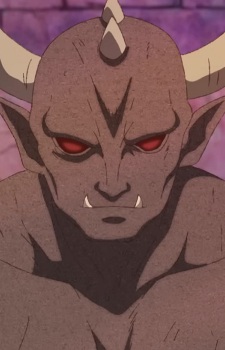 Gar
Use image
Gar
Use image
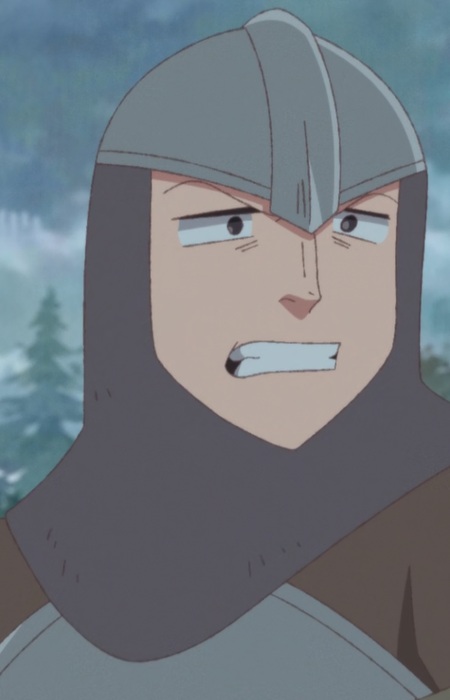 Gatekeeper
Use image
Gatekeeper
Use image
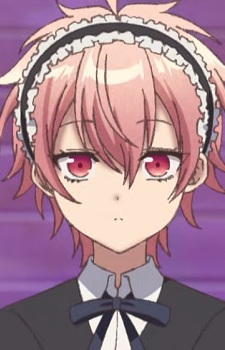 Happiness
Use image
Happiness
Use image
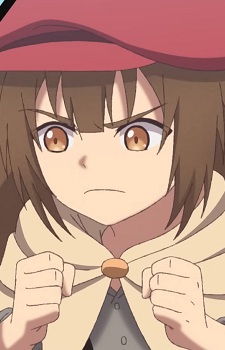 Heartburn
Use image
Heartburn
Use image
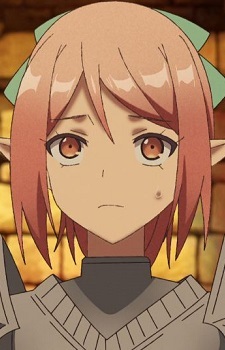 Irene
Use image
Irene
Use image
 Jealousy
Use image
Jealousy
Use image
 King Daz
Use image
King Daz
Use image
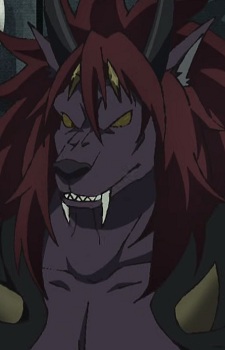 Maou
Use image
Maou
Use image
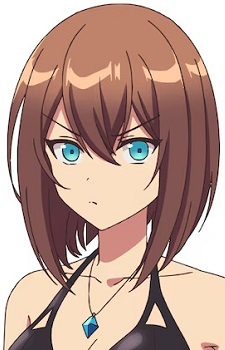 Mikana
Use image
Mikana
Use image
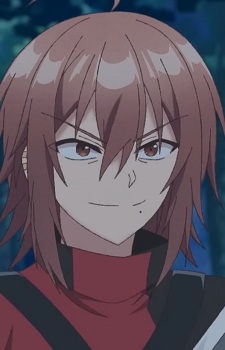 Miller
Use image
Misaki
Use image
Miller
Use image
Misaki
Use image
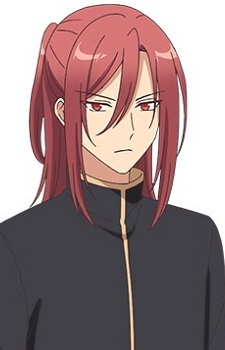 Raven
Use image
Raven
Use image
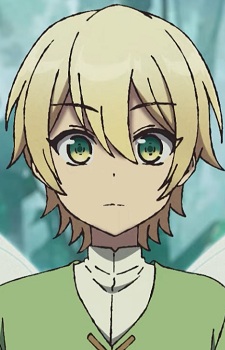 Seek
Use image
Seek
Use image
 Shike
Use image
Shike
Use image
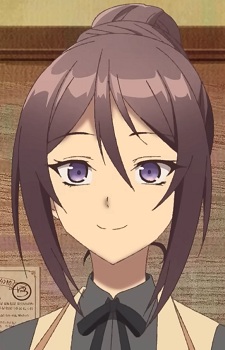 Sierra
Use image
Sierra
Use image
 Soleil
Use image
Soleil
Use image
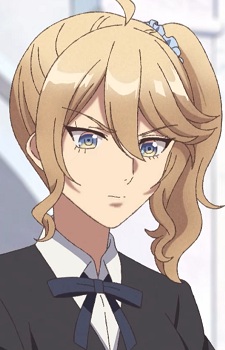 Sophia
Use image
Sophia
Use image
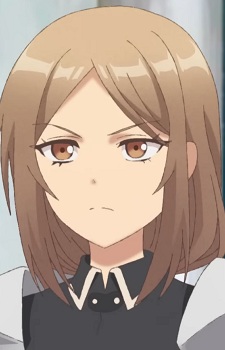 Sylvia
Use image
Sylvia
Use image
 Teal
Use image
Teal
Use image
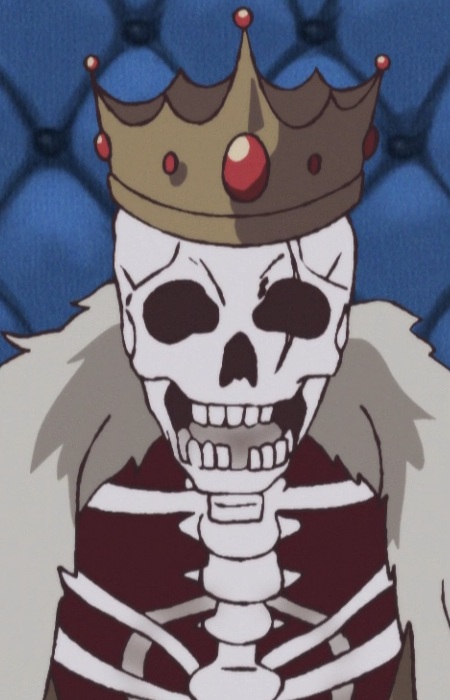 Undead King
Use image
Undead King
Use image
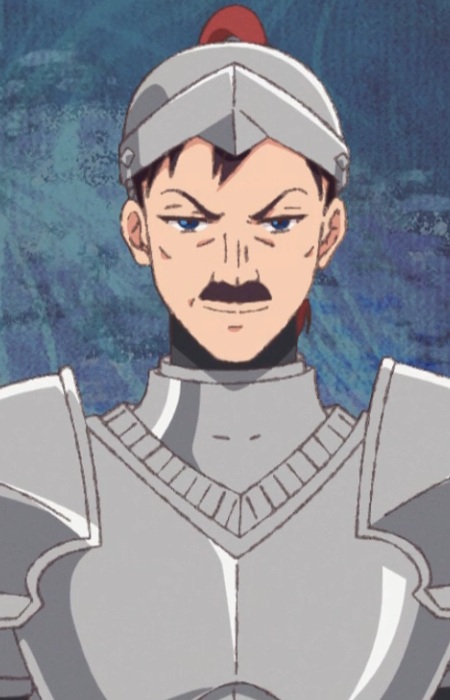 Vice Captain Of The Knights
Use image
Vice Captain Of The Knights
Use image
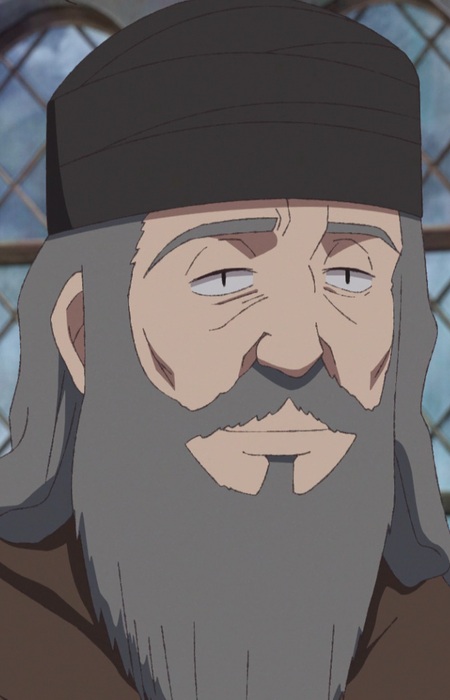 Village Head
Use image
Village Head
Use image
 Yuuga
Use image
Yuuga
Use image
 Zaechir
Use image
Zaechir
Use image
KolorPage
Yuusha Party ni Kawaii Ko ga Ita node, Kokuhaku shitemita. on other sites
Tier list
Rank Yuusha Party ni Kawaii Ko ga Ita node, Kokuhaku shitemita. characters on Tier Versus.
Open Tier Versus
Memory game
Play Yuusha Party ni Kawaii Ko ga Ita node, Kokuhaku shitemita. matching cards on Memories Game.
Open Memories Game
Character wheel
Spin, flip or draw a Yuusha Party ni Kawaii Ko ga Ita node, Kokuhaku shitemita. character on SortSpin.
Open SortSpin







