
Anime
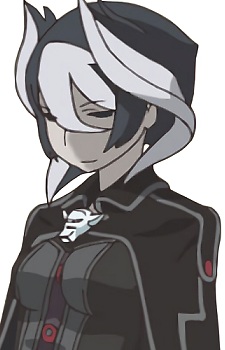
Ouzen Coloring Page - Made in Abyss
メイドインアビス · 2017 · Kinema Citrus
Print Ouzen from Made in Abyss, or color it in the browser.
Ouzen
Image style
Line art for printing and coloring.
Outline adjustments
Original colors as a painting guide.
A square pixel grid of the image.
Pixel source
Images in this collection
47 images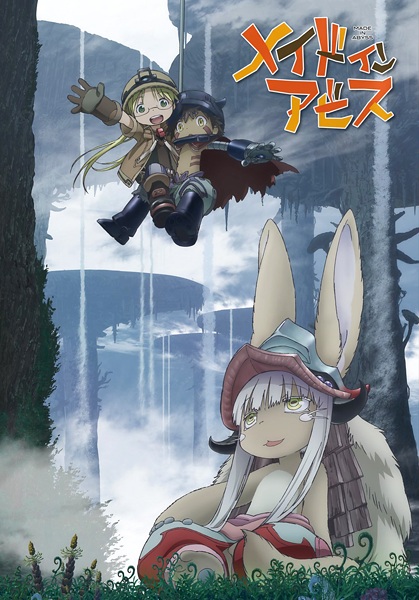 Cover
Use image
Cover
Use image
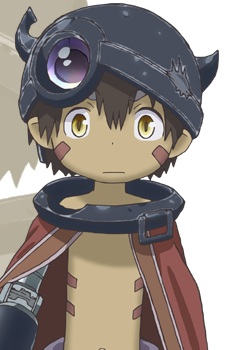 Reg
Use image
Reg
Use image
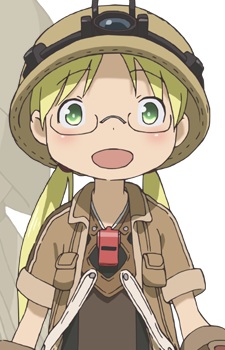 Riko
Use image
Riko
Use image
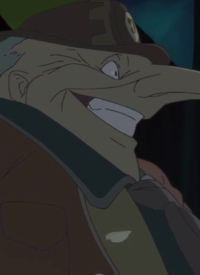 Bellmore
Use image
Bellmore
Use image
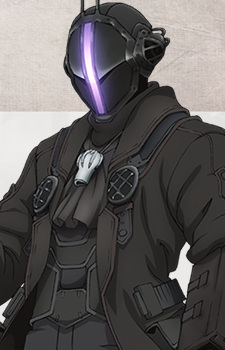 Bondrewd
Use image
Bondrewd
Use image
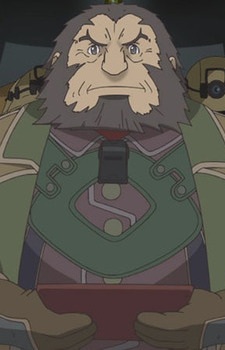 Habolg
Use image
Habolg
Use image
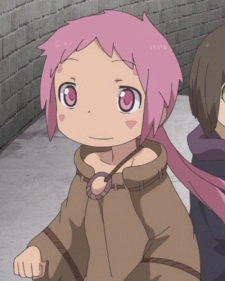 Ilim
Use image
Ilim
Use image
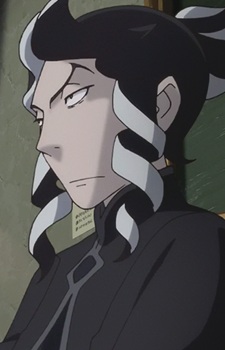 Inchou
Use image
Inchou
Use image
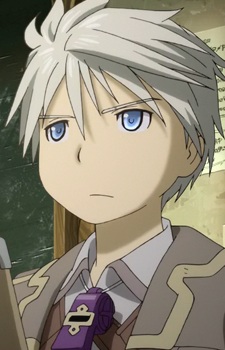 Jiruo
Use image
Jiruo
Use image
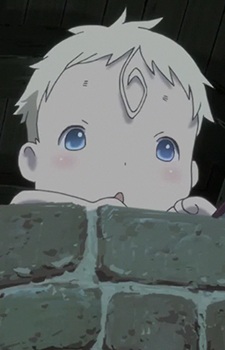 Kiyui
Use image
Kiyui
Use image
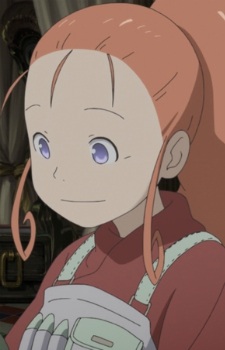 Laffi
Use image
Laffi
Use image
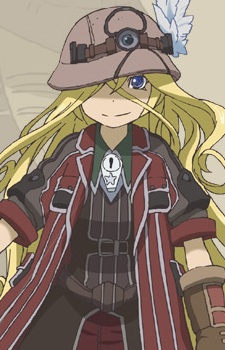 Lyza
Use image
Lyza
Use image
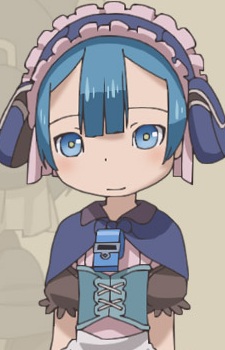 Marulk
Use image
Marulk
Use image
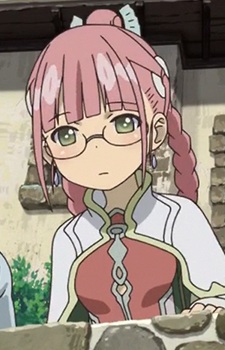 Mio
Use image
Mio
Use image
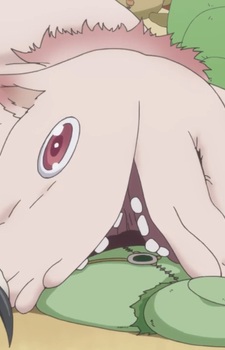 Mitty
Use image
Mitty
Use image
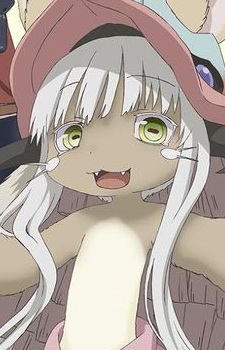 Nanachi
Use image
Nanachi
Use image
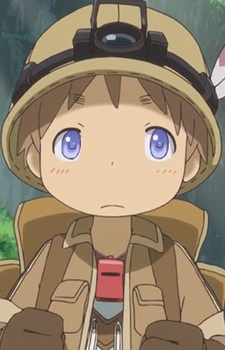 Nat
Use image
Ouzen
Use image
Nat
Use image
Ouzen
Use image
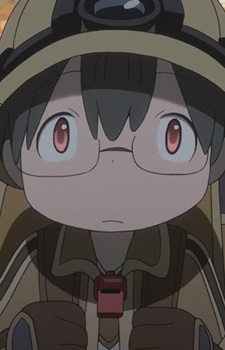 Shiggy
Use image
Shiggy
Use image
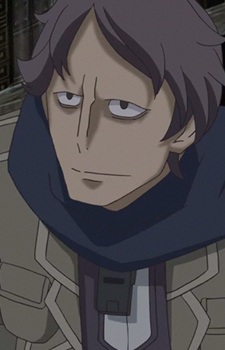 Shimred
Use image
Shimred
Use image
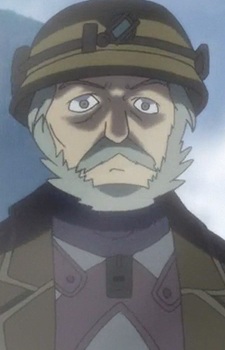 Tankutsuka
Use image
Tankutsuka
Use image
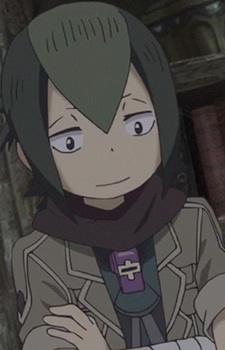 Yelme
Use image
Yelme
Use image
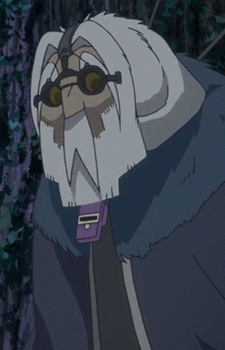 Zapo Jii
Use image
Zapo Jii
Use image
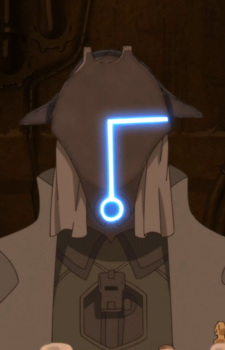 Gueira
Use image
Gueira
Use image
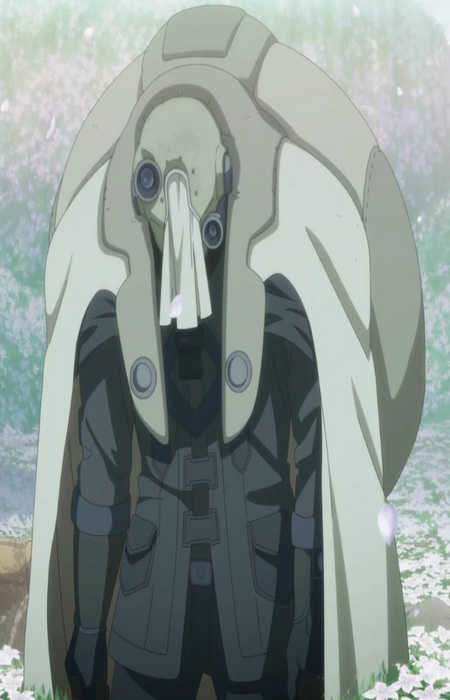 Gyarike
Use image
Gyarike
Use image
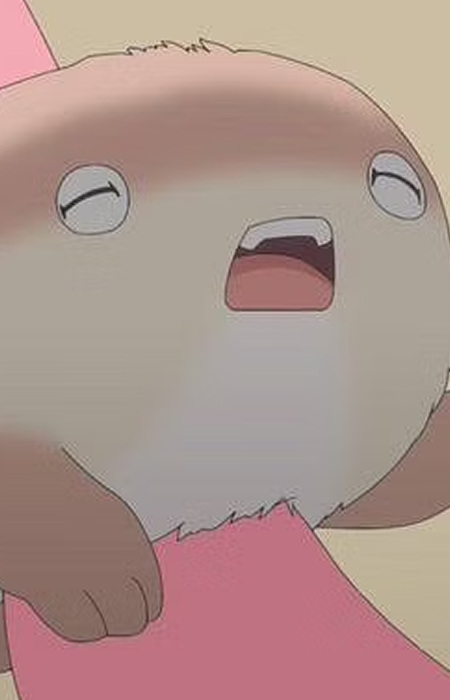 Meinya
Use image
Meinya
Use image
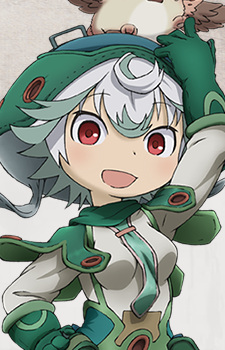 Prushka
Use image
Prushka
Use image
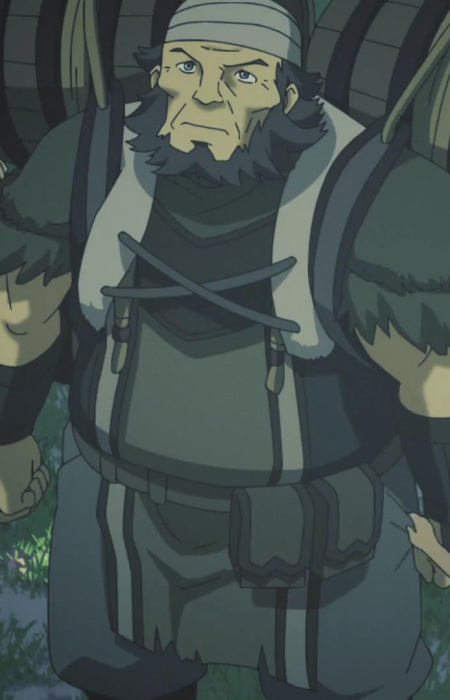 Ajapoka
Use image
Ajapoka
Use image
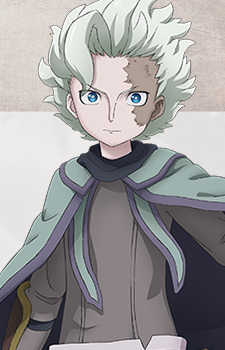 Belaf
Use image
Belaf
Use image
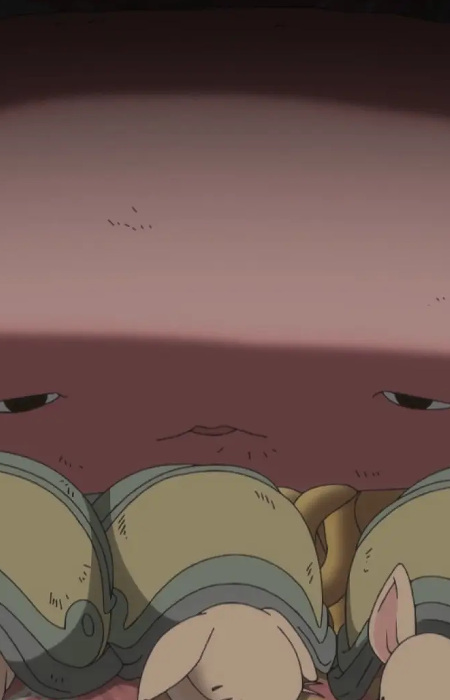 Enbelietz
Use image
Enbelietz
Use image
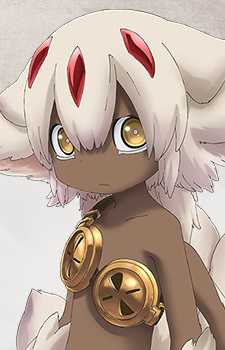 Faputa
Use image
Faputa
Use image
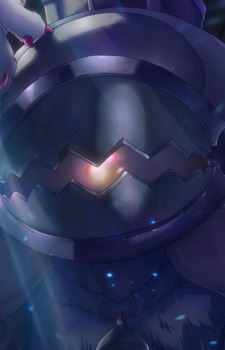 Gaburoon
Use image
Gaburoon
Use image
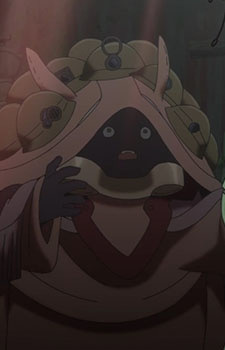 Gaume
Use image
Gaume
Use image
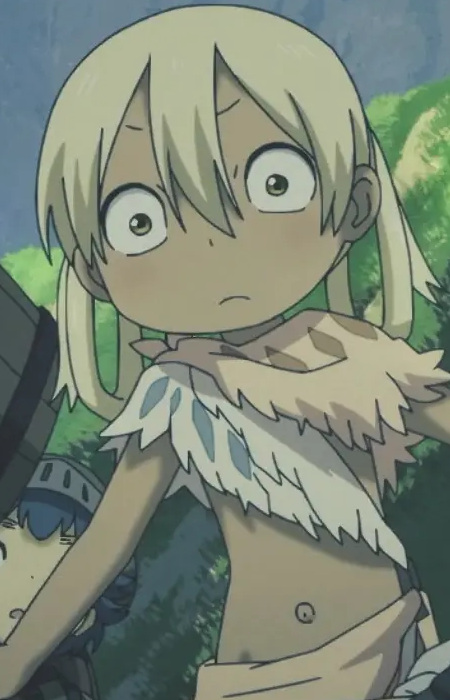 Irumyuui
Use image
Irumyuui
Use image
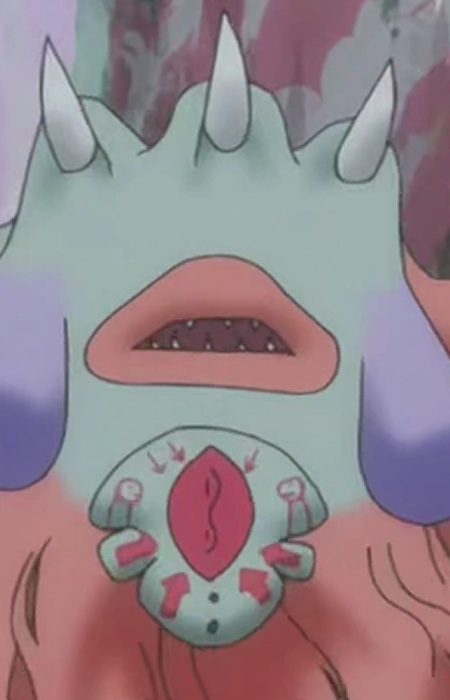 Juroimoh
Use image
Juroimoh
Use image
 Maaa
Use image
Maaa
Use image
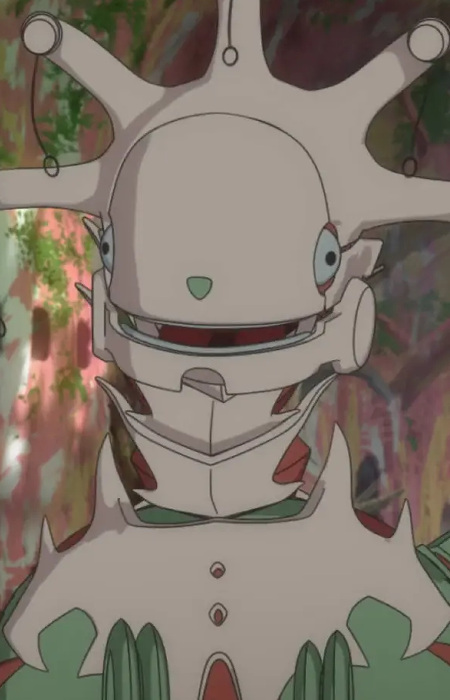 Majikaja
Use image
Majikaja
Use image
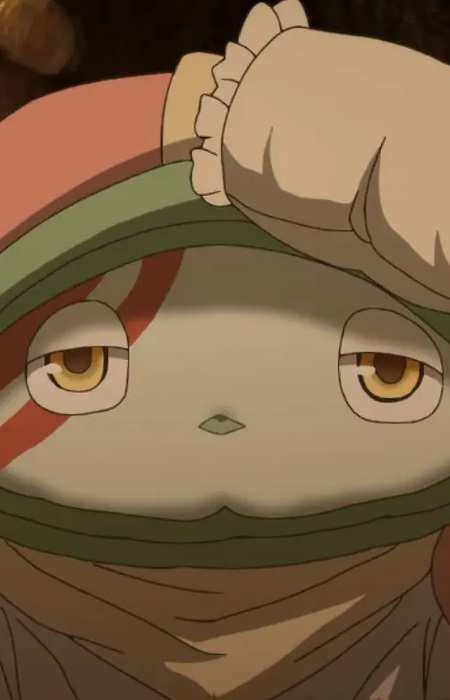 Mepopohon
Use image
Mepopohon
Use image
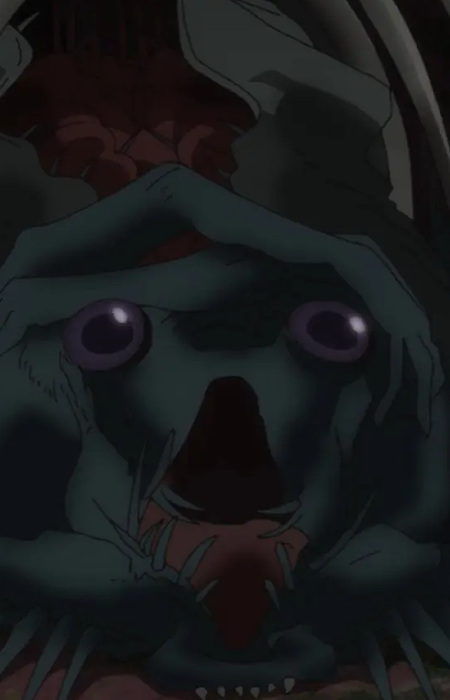 Miskeso
Use image
Miskeso
Use image
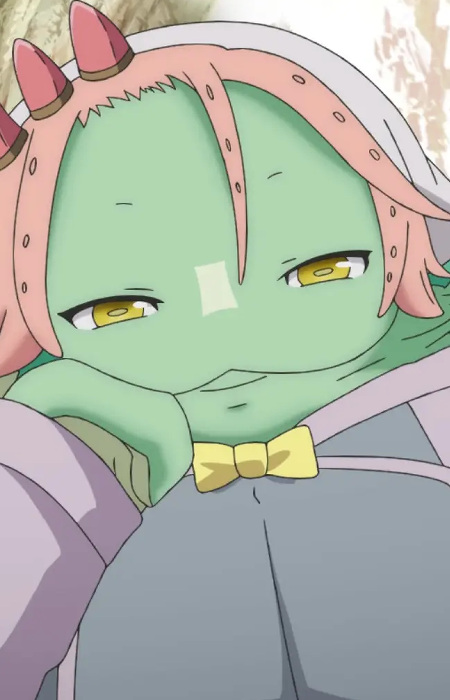 Moogie
Use image
Moogie
Use image
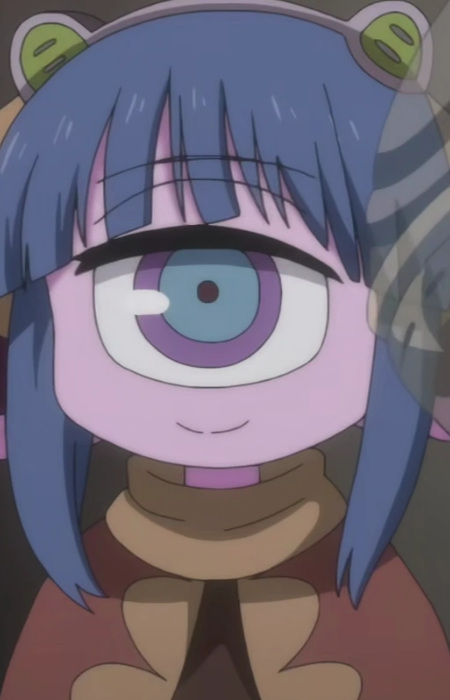 Pakkoyan
Use image
Pakkoyan
Use image
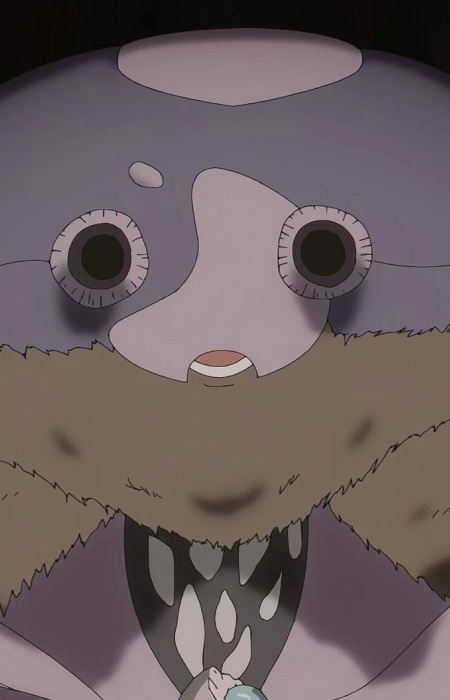 Poriyon
Use image
Poriyon
Use image
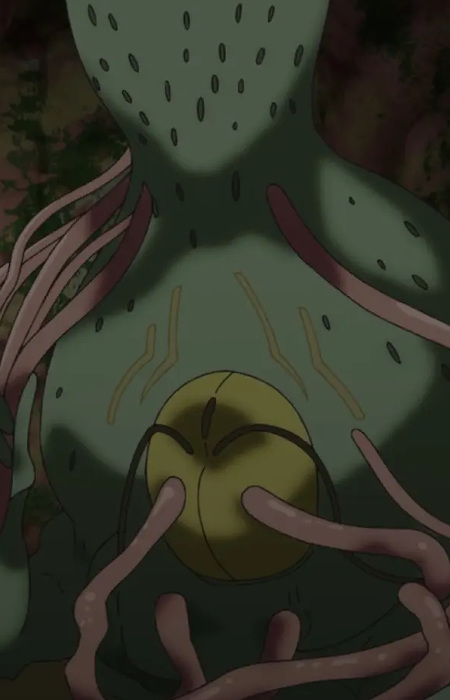 Sabassa
Use image
Sabassa
Use image
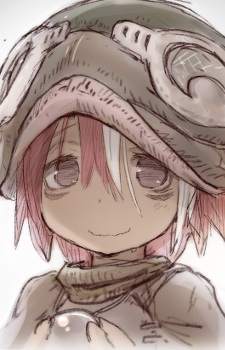 Vueroeruko
Use image
Vueroeruko
Use image
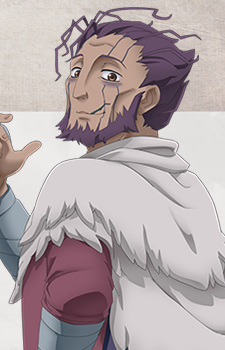 Wazukyan
Use image
Wazukyan
Use image
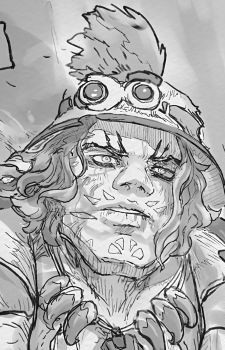 Cravagli
Use image
Cravagli
Use image
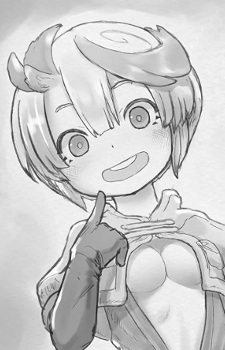 Tepaste
Use image
Tepaste
Use image
KolorPage







