

Anime
Kakuzawa Coloring Page - Elfen Lied
エルフェンリート · 2004 · Arms
Print Kakuzawa from Elfen Lied, or color it in the browser.
Kakuzawa
Image style
Line art for printing and coloring.
Outline adjustments
Original colors as a painting guide.
A square pixel grid of the image.
Pixel source
Images in this collection
32 images Cover
Use image
Cover
Use image
 Kouta
Use image
Kouta
Use image
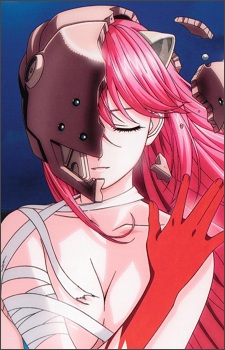 Lucy
Use image
Lucy
Use image
 Mayu
Use image
Mayu
Use image
 Nana
Use image
Nana
Use image
 Yuka
Use image
Yuka
Use image
 Arakawa
Use image
Arakawa
Use image
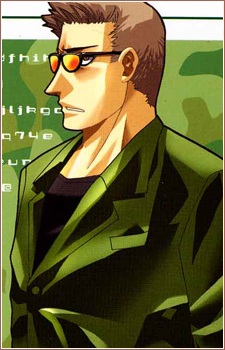 Bandou
Use image
Bandou
Use image
 Crepe Store Owner
Use image
Crepe Store Owner
Use image
 Detective
Use image
Detective
Use image
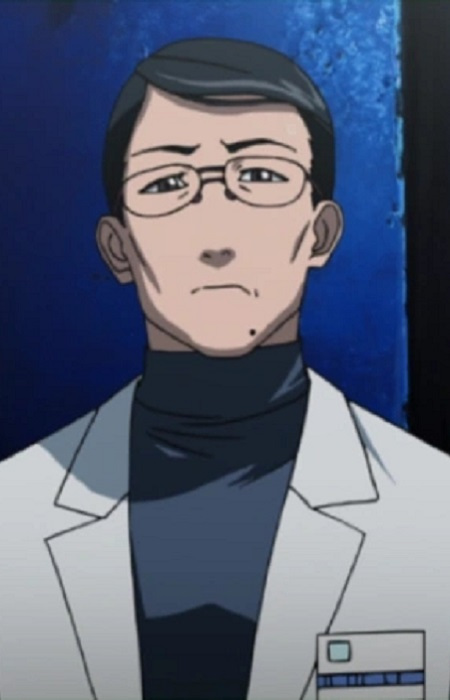 Isobe
Use image
Kakuzawa
Use image
Isobe
Use image
Kakuzawa
Use image
 Professor Kakuzawa
Use image
Professor Kakuzawa
Use image
 Kanae
Use image
Kanae
Use image
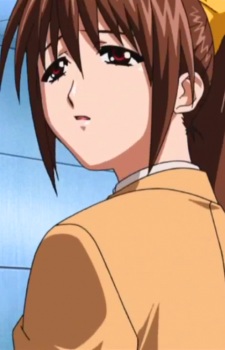 Kisaragi
Use image
Kisaragi
Use image
 Koutas Father
Use image
Koutas Father
Use image
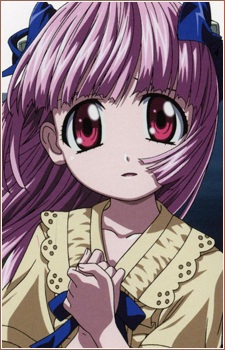 Mariko Kurama
Use image
Mariko Kurama
Use image
 Hiromi Kurama
Use image
Hiromi Kurama
Use image
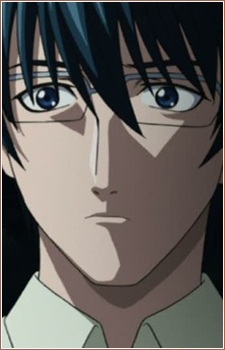 Kurama
Use image
Kurama
Use image
 Mayus Mom
Use image
Mayus Mom
Use image
 Mayus Stepfather
Use image
Mayus Stepfather
Use image
 Narrator
Use image
Narrator
Use image
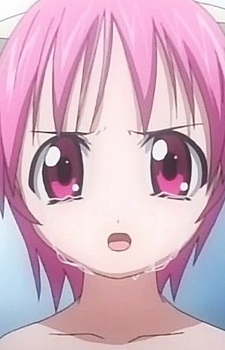 Number 3
Use image
Number 3
Use image
 Oomori
Use image
Oomori
Use image
 Orphanage Girl
Use image
Orphanage Girl
Use image
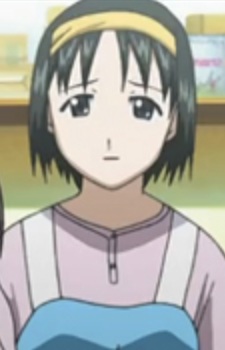 Pan Ya No Tenin
Use image
Pan Ya No Tenin
Use image
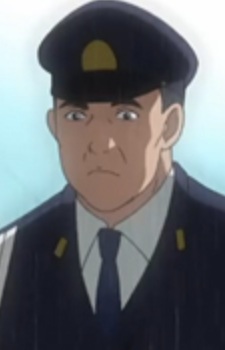 Police Guard
Use image
Police Guard
Use image
 Saitou
Use image
Saitou
Use image
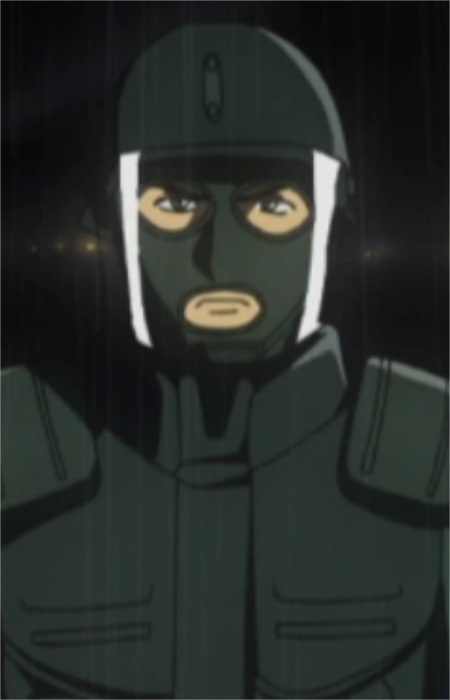 Satou
Use image
Satou
Use image
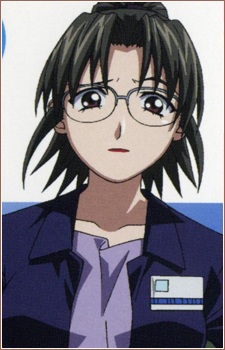 Shirakawa
Use image
Shirakawa
Use image
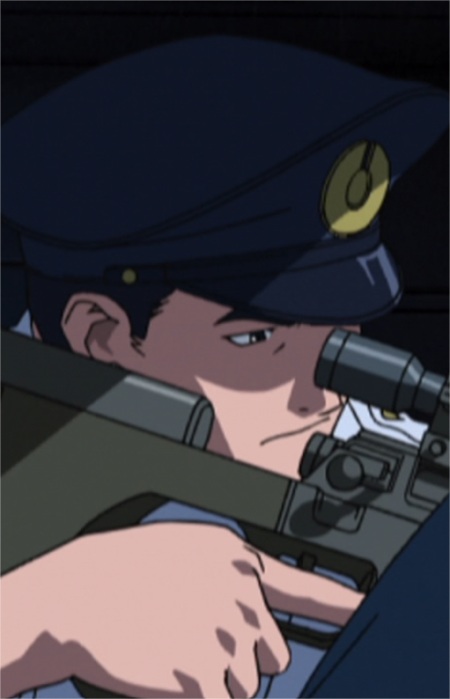 Sniper
Use image
Sniper
Use image
 Tomoo
Use image
Tomoo
Use image
KolorPage







