
Anime
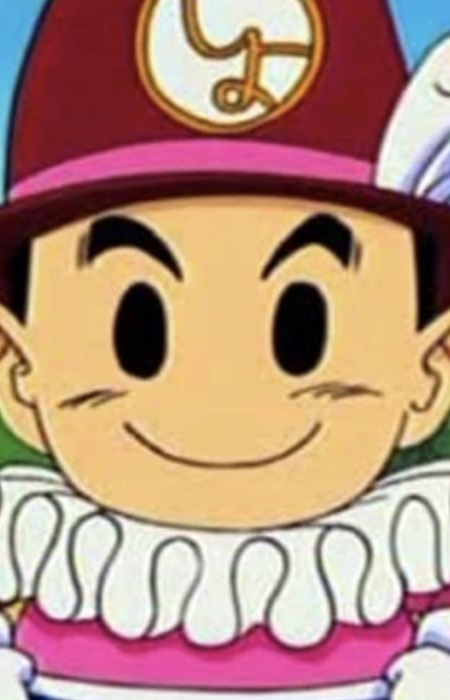
Shoppaman Coloring Page - Dr. Slump
ドクタースランプ · 1997 · Toei Animation
Print Shoppaman from Dr. Slump, or color it in the browser.
Shoppaman
Image style
Line art for printing and coloring.
Outline adjustments
Original colors as a painting guide.
A square pixel grid of the image.
Pixel source
Images in this collection
33 images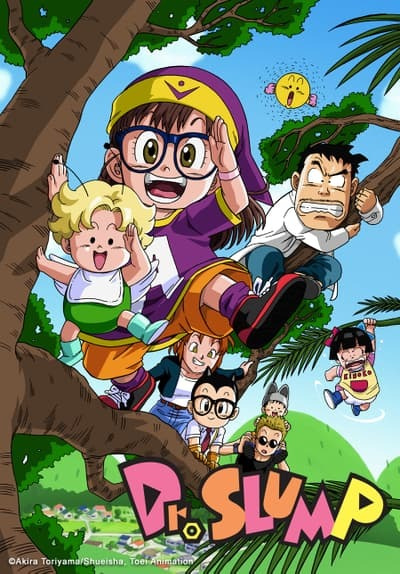 Cover
Use image
Cover
Use image
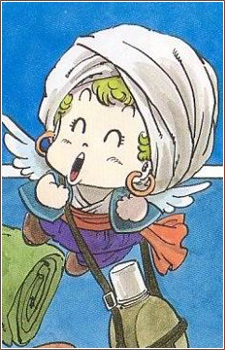 Gajira Norimaki
Use image
Gajira Norimaki
Use image
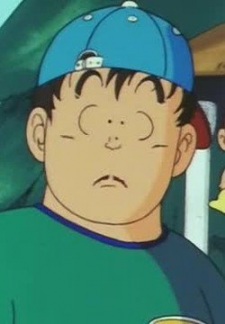 Senbei Norimaki
Use image
Senbei Norimaki
Use image
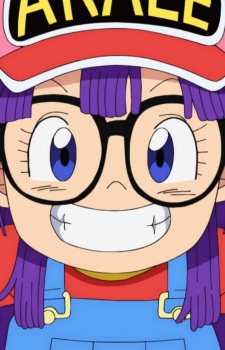 Arale Norimaki
Use image
Arale Norimaki
Use image
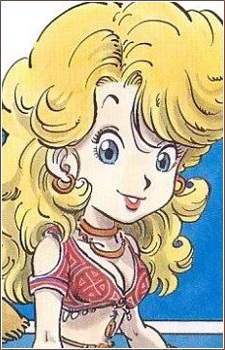 Midori Yamabuki
Use image
Midori Yamabuki
Use image
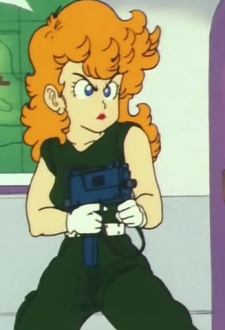 Polly Buckets
Use image
Polly Buckets
Use image
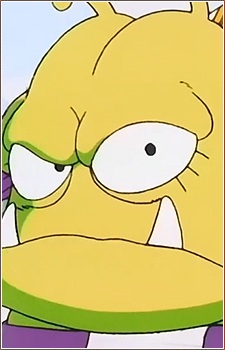 Nikochan Daiou
Use image
Nikochan Daiou
Use image
 Dr Mashirito
Use image
Dr Mashirito
Use image
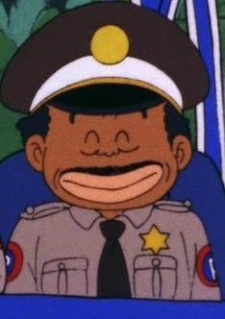 Gala
Use image
Gala
Use image
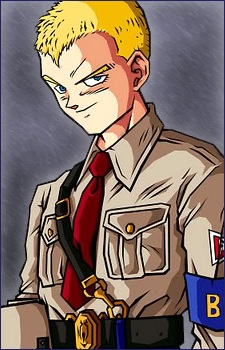 General Blue
Use image
General Blue
Use image
 Kon Kimidori
Use image
Kon Kimidori
Use image
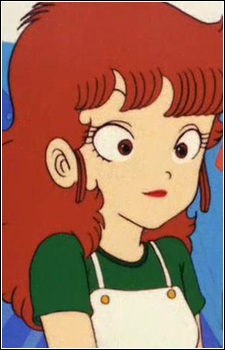 Aoi Kimidori
Use image
Aoi Kimidori
Use image
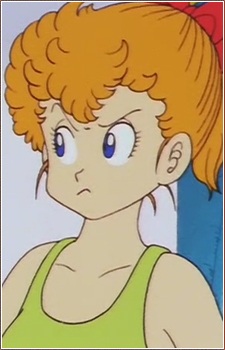 Akane Kimidori
Use image
Akane Kimidori
Use image
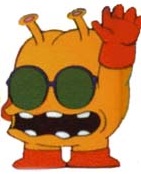 Nikochans Servant
Use image
Nikochans Servant
Use image
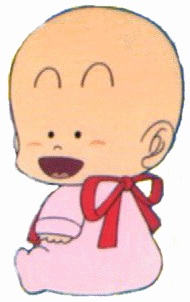 Turbo Norimaki
Use image
Turbo Norimaki
Use image
 Obotchaman
Use image
Obotchaman
Use image
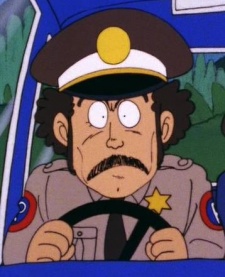 Pagos
Use image
Pagos
Use image
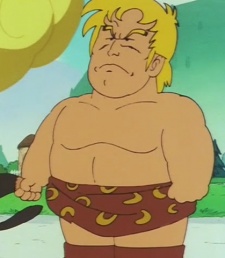 Parzan
Use image
Parzan
Use image
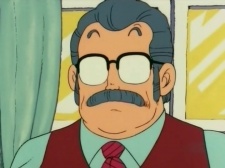 Penguin Village Junior High Principal
Use image
Penguin Village Junior High Principal
Use image
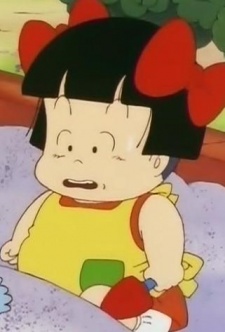 Kinoko Sarada
Use image
Kinoko Sarada
Use image
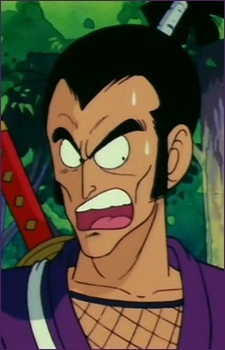 Sergeant Murasaki
Use image
Sergeant Murasaki
Use image
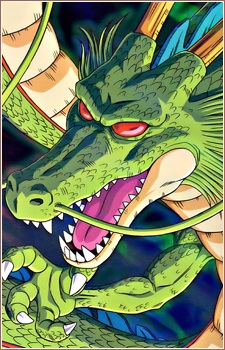 Shen Long
Use image
Shoppaman
Use image
Shen Long
Use image
Shoppaman
Use image
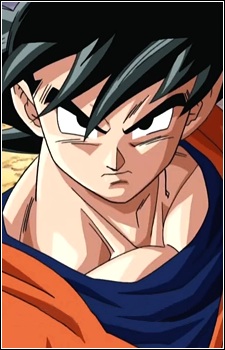 Gokuu Son
Use image
Gokuu Son
Use image
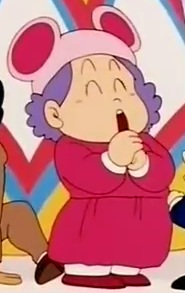 Mame Soramame
Use image
Mame Soramame
Use image
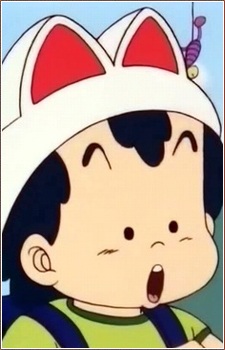 Peasuke Soramame
Use image
Peasuke Soramame
Use image
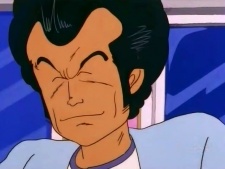 Kurikinton Soramame
Use image
Kurikinton Soramame
Use image
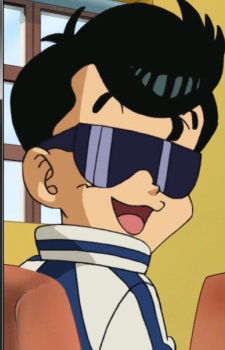 Tarou Soramame
Use image
Tarou Soramame
Use image
 Suppaman
Use image
Suppaman
Use image
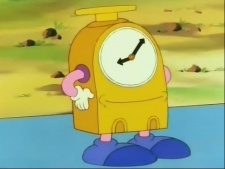 Time Kun
Use image
Time Kun
Use image
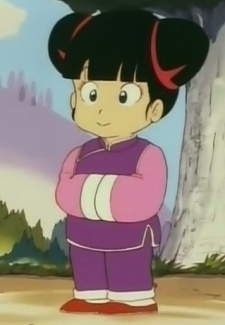 Tsururin Tsun
Use image
Tsururin Tsun
Use image
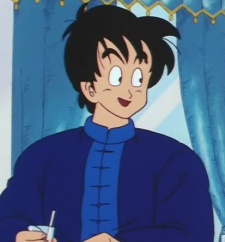 Tsukutsun Tsun
Use image
Tsukutsun Tsun
Use image
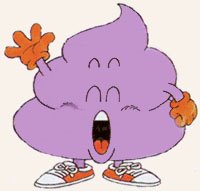 Unchi Kun
Use image
Unchi Kun
Use image
KolorPage







